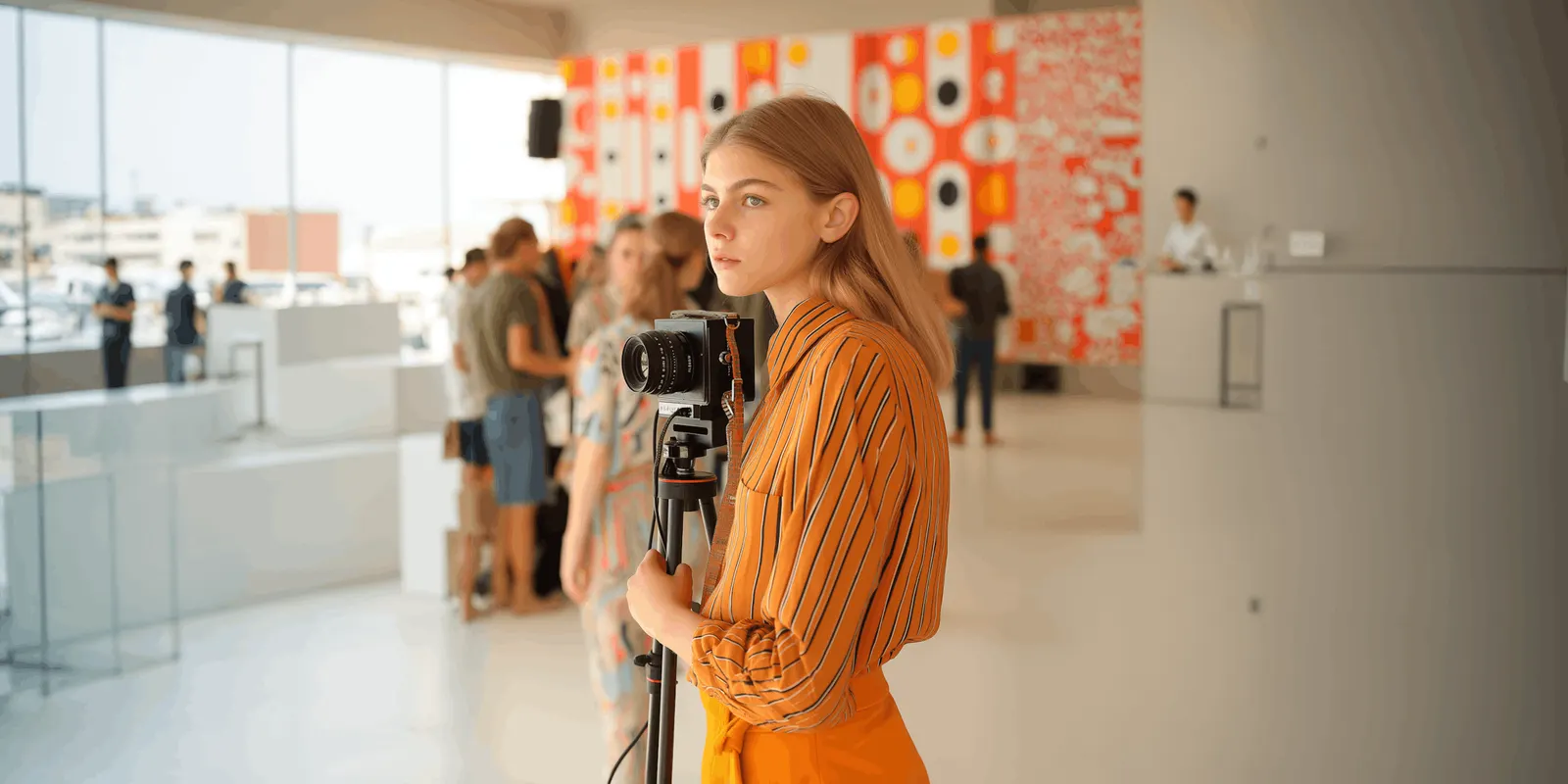
B-roll ideas work best when they’re built for your actual niche, gear, and location, not copied from a generic Pinterest board everyone else is also using. Feed an AI tool your niche, your setting, and your available shots, and it returns a personalized shot list with specific angles, positions, and actions you can film in one session, instead of a recycled list of “coffee cup” and “typing on laptop.”
Every creator hits the same wall eventually: the talking-head clip is done, and now it needs visual breaks so viewers don’t scroll off during a static frame. Generic b-roll lists solve that badly, because “walking down the street” and “hands on keyboard” show up in thousands of videos and stop reading as anything specific to you.
This guide covers the prompt structure that turns AI into a real shot-list generator, more than 15 concrete b-roll ideas grouped by niche, and why b-roll is a retention tool, not decoration.
Key Takeaways
- B-roll is a measurable retention tool, not filler. A visual break every 10-15 seconds resets attention before viewers start scrolling.
- Generic shot lists blend into every other creator’s feed. Personalizing the prompt with your niche, gear, and setting produces shots nobody else is filming the same way.
- A good b-roll prompt specifies angle, position, and action, not just a subject. “Close-up, low angle, pouring” beats “coffee shot.”
- You can batch a week of b-roll in one session once you have a niche-specific shot list to work from.
- B-roll and the talking-head clip should be shot the same day, while lighting and outfit still match.
Why b-roll actually affects your views
Viewer attention on a static frame starts dropping after roughly 12 to 15 seconds, and a visual break resets it (shortzly.com, September 2026). A common editing rule for 2026 is one deliberate cutaway every 10 to 15 seconds in any clip longer than 30 seconds. On Reels specifically, average retention sits in the 45 to 65% range for creators who edit with pacing in mind (retensis.com, September 2026). That’s the direct link between b-roll and why some Reels get no views while others hold: watch time is the primary ranking signal, and b-roll is one of the cheapest ways to protect it.
The prompt structure that beats a generic list
A weak prompt asks for “b-roll ideas for a fitness creator.” It gets back the same ten shots every fitness account already has. A working prompt specifies four things:
- Niche and content type. What you actually make, not just your broad category.
- Setting and gear. Where you’ll film and what you have access to: phone, gimbal, tripod, ring light.
- Angle and position. Close-up, wide, low angle, overhead, over-the-shoulder.
- Action, not just subject. What’s happening in the frame, described as a verb.
A prompt like “Give me 10 b-roll shots for a home baker filming in a small kitchen with just a phone and a window for light. For each shot, specify the angle, camera position, and the exact action happening” returns a shot list you can actually film that afternoon, because it accounts for your real constraints instead of assuming a studio.
15+ b-roll ideas by niche
| Niche | Shot | Angle and action |
|---|---|---|
| Food and baking | Flour dusting a surface | Overhead, slow-motion sprinkle |
| Food and baking | Dough being kneaded | Close-up, hands only, rhythmic push |
| Fitness | Shoelace tying before a run | Low angle, close-up on hands |
| Fitness | Water bottle refill | Side angle, mid-action pour |
| Beauty | Product cap twisting open | Macro close-up, slow twist |
| Beauty | Brush tapping off excess product | Close-up, tapping motion against jar |
| Fashion | Fabric texture close-up | Overhead, hand brushing across |
| Fashion | Zipper or button closing | Macro, deliberate slow close |
| Small business | Package being taped shut | Overhead, hands crossing tape |
| Small business | Product being wrapped in tissue | Close-up, folding motion |
| Home and DIY | Paint being stirred | Overhead, circular stir |
| Home and DIY | Tool being picked up from a bench | Side angle, reaching motion |
| Coaching and education | Notebook page being turned | Close-up, page turning |
| Coaching and education | Pen tapping against a desk | Overhead, rhythmic tap |
| Music and podcasting | Cable being plugged into an interface | Close-up, plugging motion |
| Music and podcasting | Fader being pushed up on a mixer | Macro, slow push |
| Travel | Passport stamp closing | Macro, hand stamping down |
Every row follows the same logic: a specific action, shot from a deliberate angle, in a setting the creator actually has. None of them are “generic laptop typing,” because that shot shows up in every content-creator video regardless of niche.
Turning a shot list into a batch
Once you have 10 to 15 shots specific to your niche, film them in one sitting right after your main clip, while lighting and outfit still match. That single batch becomes b-roll for several future posts, not just the one you’re editing today. Repurposing that footage across formats stretches one filming session across a week of content instead of one post.
Pair the shot list with AI tools built for editing and captioning to cut the b-roll into your talking-head footage faster, and use a content calendar to plan which posts need which type of cutaway before you film.
You don’t need more gear to film any of this
Every shot in the table above is filmable with a phone and whatever light is already in the room. A window, a desk lamp, or a ring light is enough for the close-ups and overheads that make up most of a b-roll list. The variable that actually matters is specificity in the prompt, not equipment. A creator who asks for “close-up, overhead, hands kneading dough, natural window light from the left” gets a shot list that works with a phone propped on a stack of books. A creator who asks for generic “baking b-roll” gets a list that assumes a studio setup they don’t have.
That’s the real value of feeding an AI tool your actual constraints instead of asking for ideas in the abstract. The output changes from aspirational to filmable, and filmable is what turns a shot list into footage the same afternoon instead of a list that sits unused because the gear or setting it assumes doesn’t match what’s on hand.
From better footage to a page that holds it
Better b-roll gets people to watch longer, but watch time only matters if it leads somewhere. Once a Reel earns real retention, the bio link is what turns that attention into something measurable. Create your More.You page so every clip you shoot with a personalized b-roll list has one consistent place to send people, updated automatically as you post.
FAQ
How many b-roll shots do I actually need per video?
Most 30 to 60 second Reels need three to five b-roll cutaways, spaced roughly every 10 to 15 seconds, to keep a consistent pattern interrupt without breaking the flow of the main clip.
Can AI generate the actual b-roll footage, not just the shot list?
Some AI video tools can generate short cutaway clips from text prompts, but a shot list you film yourself will match your actual product, space, and lighting more closely than a generated clip.
What’s the difference between a generic b-roll list and an AI-personalized one?
A generic list gives the same handful of shots to every creator in a niche. A personalized prompt accounts for your specific setting, gear, and content type, so the output is shots you can actually film with what you have.
Should I shoot b-roll before or after my main clip?
After, while lighting, outfit, and setup still match. Shooting b-roll separately on a different day often creates a visible mismatch when it’s cut into the main footage.
Does b-roll help with Instagram’s ranking, or is it just for viewers?
Both. B-roll protects watch time, which is Instagram’s primary Reels ranking signal, so better retention from good cutaways can also mean better distribution.
Sources
- (shortzly.com, September 2026)
- (retensis.com, September 2026)
- More.You product brief, section 3
Retention benchmarks and editing guidance verified against current creator-industry reporting as of September 2026. Individual retention varies by niche, format, and audience.