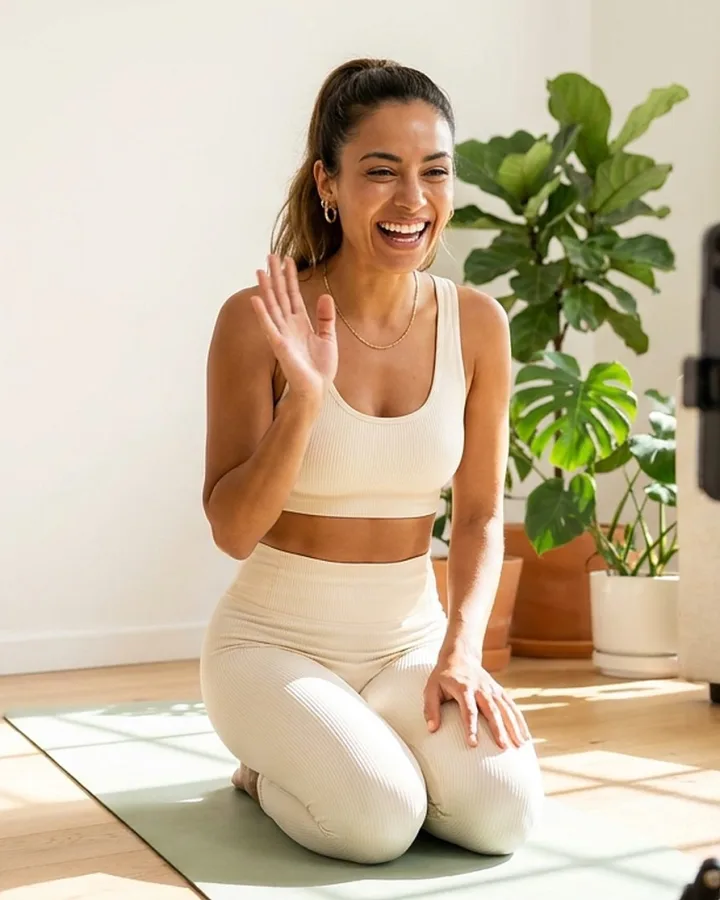


Your newest post goes on top
When your scheduled post goes live, its link moves to the top of your page. After 24 hours, 3 days or 7 days it goes back to its place. Auto-Pin is on Pro.
How Auto-Pin works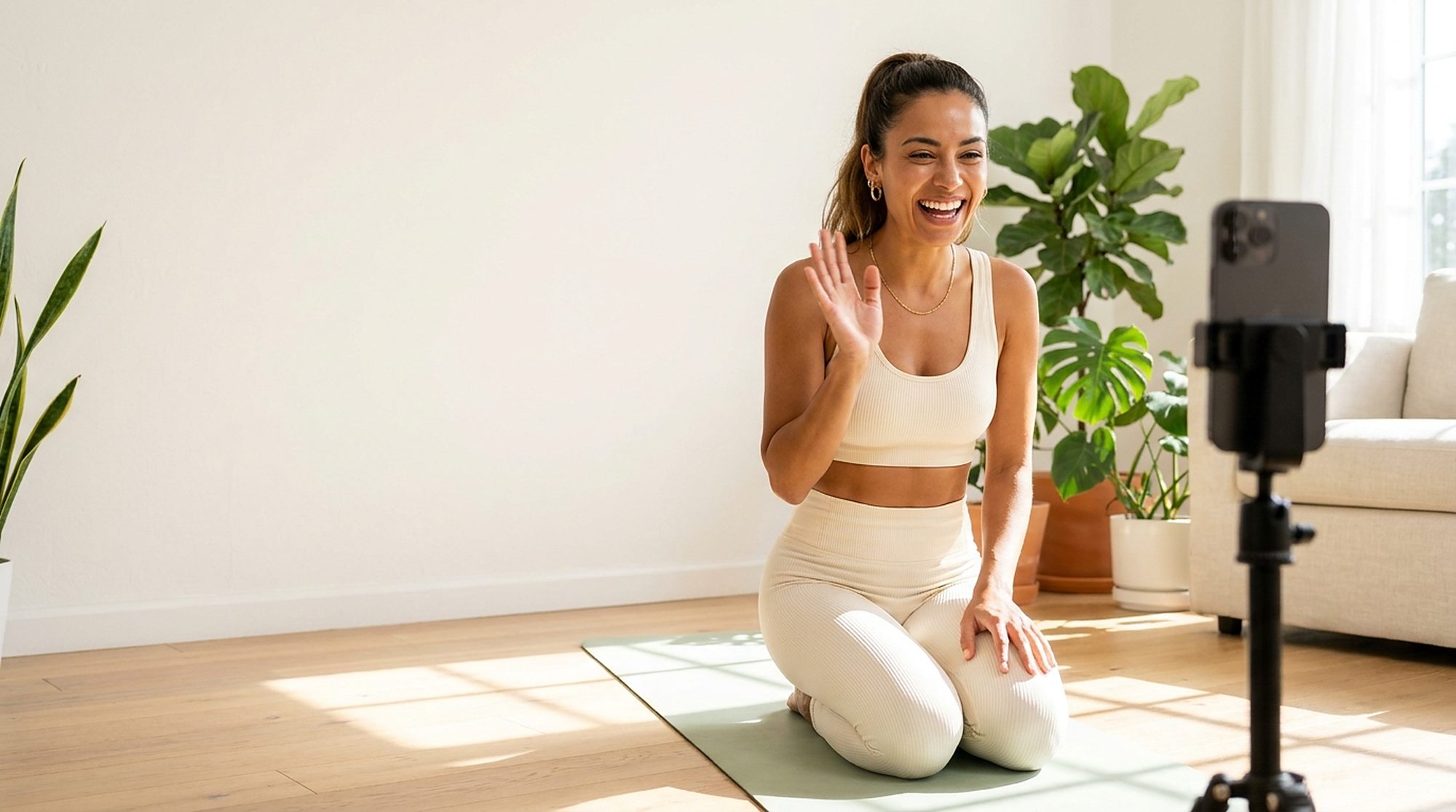
More.You is a free link in bio page for your Instagram, TikTok, YouTube and other social profiles. Add your links, products, events, music, podcasts and bookings, then share one link everywhere.
More.You is made for creators, coaches and small service businesses. Pick your work to see an example page.
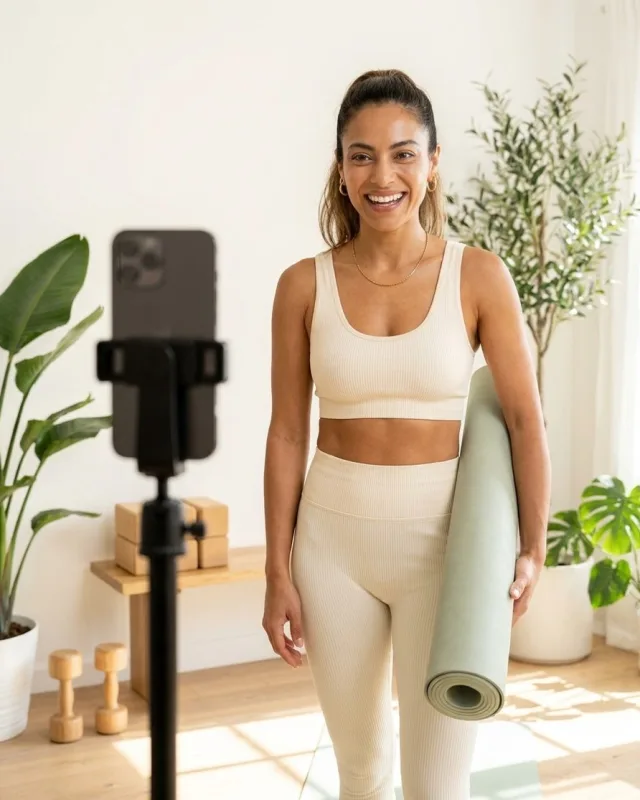 CoachesClients book a first call from your bio.
 Content creatorsOne page that answers every "link?" comment.
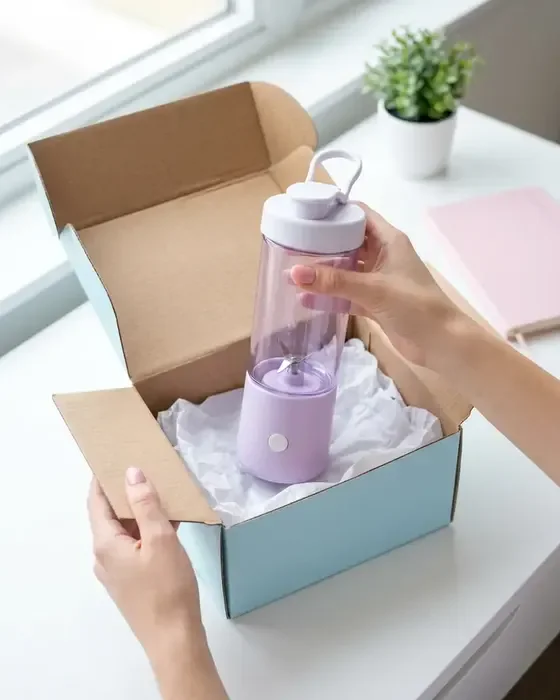 Affiliate creatorsEach pick from your videos, with its link.
 UGC creatorsSend brands one link with every pitch.
 PhotographersYour portfolio first, then prices and booking.
 Personal trainersSessions and plans, one tap from your reel.
 Salons and beautyFrom a colour reel to your booking page.
 Local shops and servicesOpening hours, bookings and events on one page.
All you need is a name and the links you already use.
Choose the address of your page, for example more.you/yourname.
Start from blank, import your old link in bio page, or let AI build a first version from your website.
Add it to Instagram, TikTok and YouTube. Print the QR code on flyers and packaging.

Add a block for each thing people ask you for. Put them in order and pin the one that matters most.
It shows your newest post first, tells you which posts bring clicks and lets AI assistants read what you offer.
When your scheduled post goes live, its link moves to the top of your page. After 24 hours, 3 days or 7 days it goes back to its place. Auto-Pin is on Pro.
How Auto-Pin worksSee views and clicks for every block on your page. On Pro, you also see which post sent each click, so you know what to post again.
See analyticsWhen someone asks ChatGPT about you, it can read your services, prices and dates from your page. This is part of every plan.
How AI reads your pagePick a theme, then change the colours, fonts and buttons. Your edits stay in a draft until you publish.
See themesWhat a link in bio page is, what it costs and how to move your old page
Put everything you offer behind one link.
Before you go
One link in bio for everything you share.