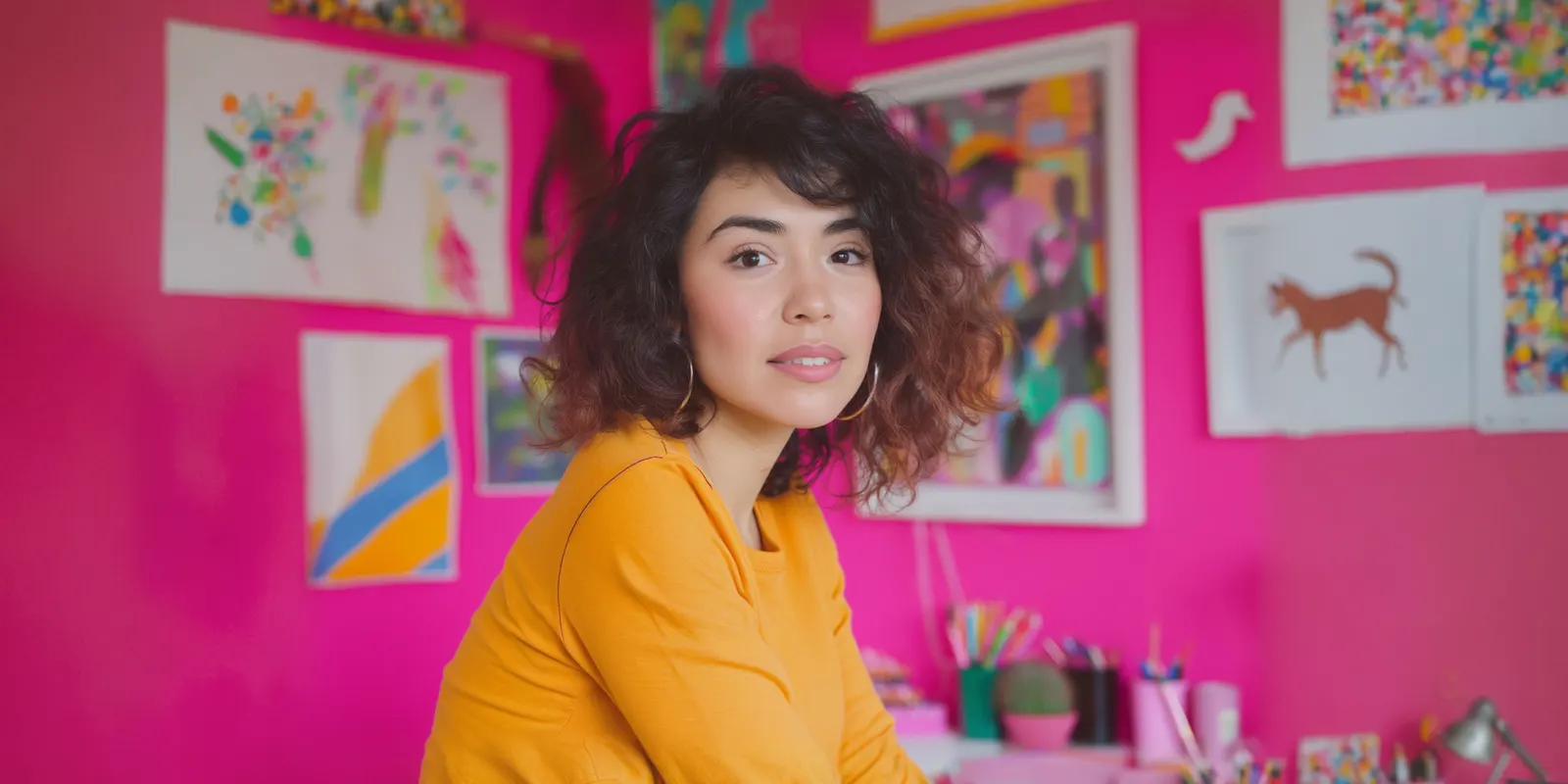
Your profile photo is the smallest image on your entire online presence and the one people see the most. It shows up next to your name in comments, in search results, at the top of your bio page, before anyone reads a single word you’ve written. Pick one that reads clearly as a small circle, shows your face (or your logo, if you’re a business), and stays consistent across every platform you use.
Most people pick a profile photo once and never revisit it, even as their content, their platforms, and the size that image actually displays at all change. A photo that looks great full-size can turn into a smear of color at the 110x110 pixel size Instagram displays it at (buffer.com, September 2026). What matters isn’t how the photo looks in your camera roll. It’s how it looks at thumbnail size, in a circle, next to a dozen other thumbnails.
This guide covers what makes a profile photo work at that size, how to crop and size it correctly, and how it connects to the rest of your bio page.
Key Takeaways
- Design for thumbnail size, not full size. Instagram displays your profile photo at 110x100 pixels even though the stored image is larger (buffer.com, September 2026).
- Upload higher resolution than the display size. A 1080x1080 pixel upload keeps the image sharp after platform compression, even though the minimum accepted is smaller (buffer.com, September 2026).
- Center your subject. Profile photos display as a circle on most platforms, so anything near the corners of a square upload gets cropped out.
- One face, one focus. A photo with multiple people or a busy background loses definition fast at small sizes.
- Match it across every platform and your bio page. Recognition compounds. The same photo everywhere means people recognize you faster the second time.
Why the profile photo matters more than it seems
Every other element of your bio page, your header layout, your theme, your links, only matters once someone has already clicked through. The profile photo is what gets displayed before that click: next to your name in a comment, in a search result, in the corner of a story. It’s doing work before your actual page ever loads.
A blurry, off-center, or hard-to-parse profile photo doesn’t just look unpolished. It reduces the chance someone recognizes you as the same person or brand they saw somewhere else, which is the entire point of having a consistent presence across platforms.
Sizing and cropping, the technical part
| Spec | Recommendation |
|---|---|
| Ideal upload size | 320x320 pixels minimum, 1080x1080 pixels recommended for sharpness (buffer.com, September 2026) |
| Displayed size on Instagram | 110x100 pixels (buffer.com, September 2026) |
| Aspect ratio | 1:1 (square) |
| Crop shape | Circle on most platforms, so keep your subject centered |
| Subject framing | Face or logo filling most of the frame, minimal background |
Because the photo displays as a circle, anything in the corners of your square upload gets cut off. Center your subject, keep the edges simple, and check how it actually looks cropped before you finalize it. What looks fine as a square can look off-center or cropped strangely once the corners disappear.
What actually works at small sizes
- High contrast between subject and background. A face against a plain, contrasting background reads clearly even tiny. A face blending into a busy background doesn’t.
- A close crop. Fill the frame with your face or logo. A photo where you’re a small figure in a wide shot loses all detail at thumbnail size.
- Even, direct lighting. Harsh shadows or backlighting that looks moody at full size turns into a muddy blob at 110 pixels.
- A logo with clean edges, for businesses. Detailed logos with thin lines or small text disappear at small sizes. A simplified version of your mark works better than the full logo.
- Genuine expression over a posed one. It’s a small detail, but a natural expression tends to read as more approachable than a stiff, formal pose, even at tiny size.
What to avoid
- Group photos. Multiple faces at 110 pixels are unreadable, and it’s unclear who you even are.
- Text-heavy logos or images. Any text in your profile photo is illegible at display size.
- Photos that don’t match your current look, if you’re a personal brand. People recognize faces, and a years-old photo creates a small but real disconnect when someone meets you.
- Different photos on different platforms. Splitting your visual identity across Instagram, TikTok and your bio page makes you harder to recognize, not more interesting.
How it connects to your bio page
Your profile photo lives at the top of your bio page too, usually as part of the header alongside your display name and bio text. A header layout like cutout or shape puts extra visual emphasis on the avatar specifically, so the photo needs to hold up under more attention in those layouts than it would in a simpler classic header. See the bio page design guide for how header layout choice affects the whole page, and link in bio design ideas for specific pairings that work well with different avatar styles.
Once your photo and header are set, the rest of the work is getting more clicks on your link in bio page through the blocks and links below it. If you’re building your first page, start with what a link in bio page is and come back to photo and design details once the structure is in place.
A recognizable photo is what gets someone to click through in the first place. Create your More.You page and build a header that puts it front and center.
FAQ
What size should my profile photo be?
Upload at least 320x320 pixels, and 1080x1080 pixels for the sharpest result, even though platforms often display it much smaller, around 110x100 pixels on Instagram (buffer.com, September 2026). The higher resolution holds up better after compression.
Why does my profile photo look blurry even though the original is high quality?
Most platforms compress and resize your upload to display it small, often around 110 pixels. Detail that’s visible at full size gets lost at that scale, especially with busy backgrounds or low contrast between your subject and the background.
Should I use the same profile photo on every platform?
Yes. Using the same photo across Instagram, TikTok, YouTube and your bio page makes you easier to recognize, which is the entire point of having a consistent presence.
Can I use a logo instead of a photo?
Yes, for a business or brand account. Use a simplified version of your logo with clean edges and no fine text, since detailed marks lose definition at small display sizes the same way photos do.
Sources
- buffer.com, September 2026
- More.You product brief, §2
Sizing specs verified from buffer.com as of September 2026. Individual platform behavior may vary.


