QR Codes & Sharing
Get your page in front of people wherever they are. Copy the URL, generate a QR code for print or in-person sharing, and share it with a card that unfurls correctly on social.
Create your pageFrom a tabletop to your whole world
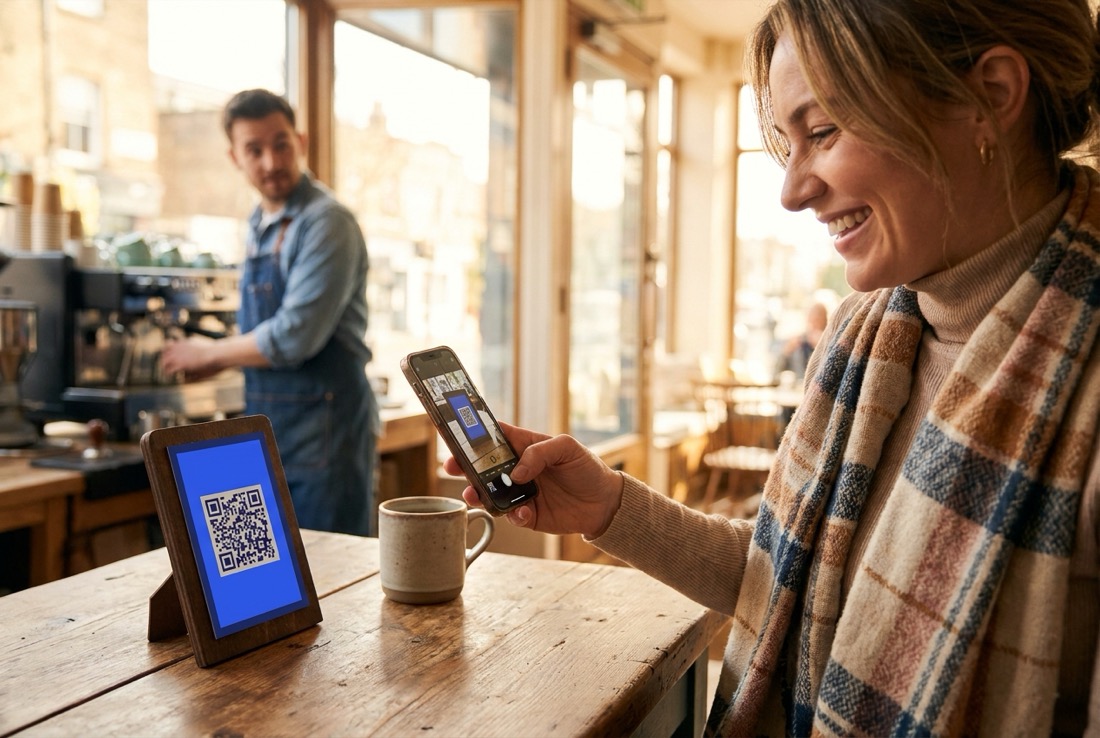
A code on a table, a poster, a package turns physical attention into a page visit. The print never changes; the page behind it always can.
Copy the URL, generate a QR code
Copy your page URL for a bio link or a message, or generate a QR code for a flyer, a menu, a badge or a storefront sign. Both point at the same page, kept in sync as you edit it.
Share cards that unfurl correctly
Pages are server-rendered with correct OpenGraph and Twitter meta, so when your page link is shared, it unfurls with the right title, description and image instead of a blank or broken preview.
Per-page SEO settings
Set a meta title, meta description and an about text for each page, and choose whether it should be indexed by search engines. These settings are per page, so a page you want private can be set to noindex without affecting the rest of your pages.
From page to poster
Your bio page has a QR code the moment it exists - sharing it offline takes three steps.
Get your code
Every More.You page comes with a QR code that opens your page - no separate generator, nothing to configure.
Style it to match
Your code picks up your page identity, so what is on the poster looks like what opens on the phone.
Put it where people stand
Menus, flyers, packaging, a market stall, a slide at the end of a talk. Every scan lands on the same always-current page.
Where the code goes
Table to page
A code on the table opens hours, menu links and booking in one scan - and it never goes stale, because the page updates, not the print.
Browsers into followers
A passerby scans, sees the shop block and the socials, and leaves with your page in their history instead of a flyer in the bin.
One slide, everything
End every talk with one code instead of five handles. The audience scans once and gets it all.
Frequently asked questions
Does the QR code update if I change my page?
Why does my page look broken when shared on social?
What SEO settings can I control per page?
Can I make one page private and keep others indexed?
Do I need a separate QR code generator?
What happens if I change my page after printing?
Are scans measurable?
More on your bio page
From the blog
Create your More.You page
One page for people and AI agents to find everything you do.
Create your page