Link in bio for content creators

One page that answers every 'link?' comment. More.You is a link in bio page for content creators. Followers tap it to find today's video, your series and your guide. Brands find your media kit on the same page.

more.you/
Mira OkaforPlant care for small flats in Leeds. New video every Tuesday.
Today: saving a dry calathea
Rescue Tuesday
Ep 12: the dry calathea
Ep 11: a pothos with root rot
Ep 10: a leggy monstera
Small Flat Plant Guide£12Buy
Which grow light is in your videos?A 30 cm clip-on bar light, on the shelf by my window.
Brand work: media kit (PDF)

more.you/miraokafor

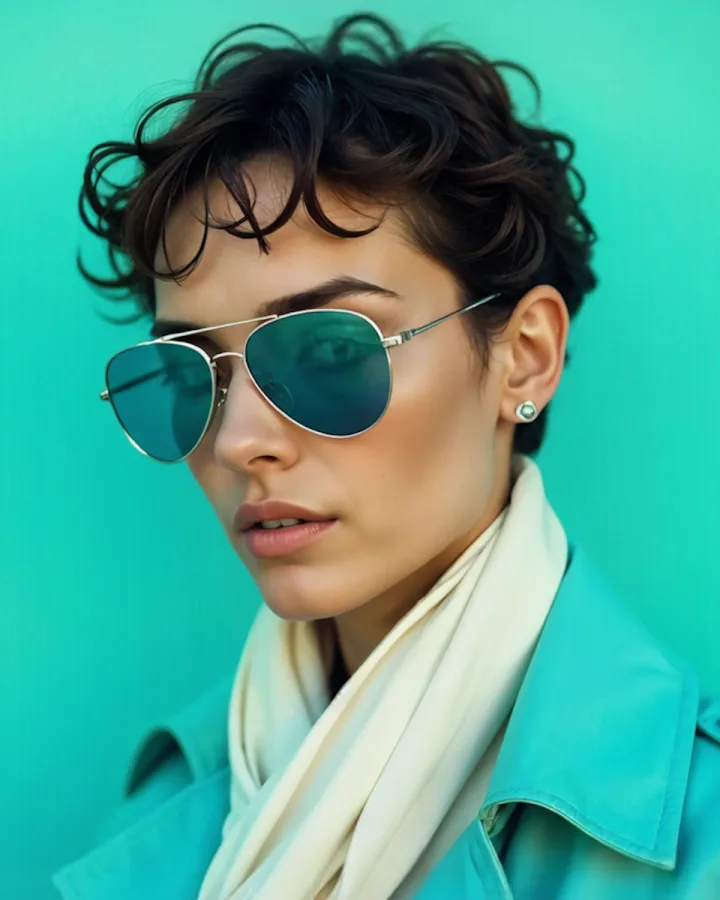
A content creator in sunglasses in front of a teal wall

The blocks content creators use

Comments under each video ask the same few things. Each block answers one of them, so you stop typing the same reply.

Links

Today's video at the top

Put a link block to today's video first. People who saw a short clip on TikTok find the full video on YouTube in one tap.

Today: saving a dry calathea
Collection

A series under one heading

Group the episodes of a series in a collection. A new follower can start at episode one, and the page stays short.

Rescue Tuesday
Ep 12: the dry calathea
Ep 11: a pothos with root rot
Ep 10: a leggy monstera
Products

Your guide with its price

A product block shows your guide, its cover and its price. The Buy button opens it in your Gumroad or Etsy shop.

Small Flat Plant Guide£12Buy
FAQ

The question in every comment section

Write the answer once in an FAQ block, such as the name of your grow light. The next time someone asks, reply with your link.

Which grow light is in your videos?A 30 cm clip-on bar light, on the shelf by my window.

AI assistants can read your guide and videos

When someone asks ChatGPT about plant care in small flats, it can read your guide, its price and your FAQ.

What an AI assistant reads here

name
Mira Okafor
about
plant care videos for small flats, Leeds
new video
saving a dry calathea, every Tuesday
series
Rescue Tuesday, 12 episodes
guide
Small Flat Plant Guide (£12)
brand work
media kit, PDF on the page

Your creator page in three steps

  1. 01

    Claim your name

    Type the name you want after more.you/ and create your free account.

  2. 02

    Import the page you use today

    Paste the address of the link in bio you use today. More.You lists your links and social icons. Nothing is saved until you confirm each item.

  3. 03

    Add today's video, the series and the guide

    Add a link block for today's video, a collection for your series and a product block for your guide. Then publish.

On Pro, audience rules show or hide a block by the app a visitor came from, such as a series only for TikTok visitors. Pro is $5/month billed annually ($7 month to month). Every block on this page is on the Free plan.

Questions from content creators

Can I put the video I posted today at the top?

Yes. Add a link block for the video and move it to the top of your page. You can also pin any link by hand, on every plan.

I post on TikTok, Instagram and YouTube. Does one page work for all three?

Yes. Put the same more.you link in all three bios. Social icons open each profile, and basic analytics show which source sent each view and click.

Where do I put my media kit for brands?

Add a link block to the PDF or page where you keep your media kit. Label it for brands, such as 'Brand work: media kit', so they stop asking in your DMs.

Can I sell my guide from my bio link?

Yes, through your store. Add a product block with the guide's name, cover and price. One tap opens it where you sell it, such as Gumroad, Etsy or your own site.

Can I move my links from Linktree?

Yes. Give Import the address of your Linktree page. More.You reads the links and social icons, then asks you to confirm each one before anything is saved.

Is More.You free for creators?

Yes. The Free plan includes one page, every block type, themes, Import and 30 days of basic analytics. You need no card to start.

More pages: Link in bio for YouTubers, Link in bio for UGC creators, Link in bio for affiliate creators, Blocks, Import your old page, Themes, Affiliate links, Selling products, or every audience.

Guides: Link in Bio for Creators: What to Put on Your Page, 9 Creator Income Streams You Can Run From One Bio.

Sources
  1. OpenAI, Overview of OpenAI crawlers

Sources checked on 11 November 2026.

Put today's video and your guide on one link

Claim your name and import the links you have. Put today's video on top, then paste one link into your TikTok, Instagram and YouTube bios.

more.you/

Language