Events
Each trip with its departure date
Add an event block for each departure, with the date, the length of the trip and one line about it. Its Details button opens the full trip page on your website.
9JunLake Garda, 8 daysHotel by the lakeDetails
This season's trips by date, with a planning call. More.You is a link in bio page for local travel agencies. Travellers see each trip by departure date, open your brochure and book a planning call, from a Reel or your shop window.
 Saltroad TravelPackage holidays and small group tours from our office in Galway.
more.you/saltroadtravel

Maeve wants a short trip in May for her mother's 70th birthday. Her mother prefers a coach to a long flight, and Maeve has questions about the hotel rooms.
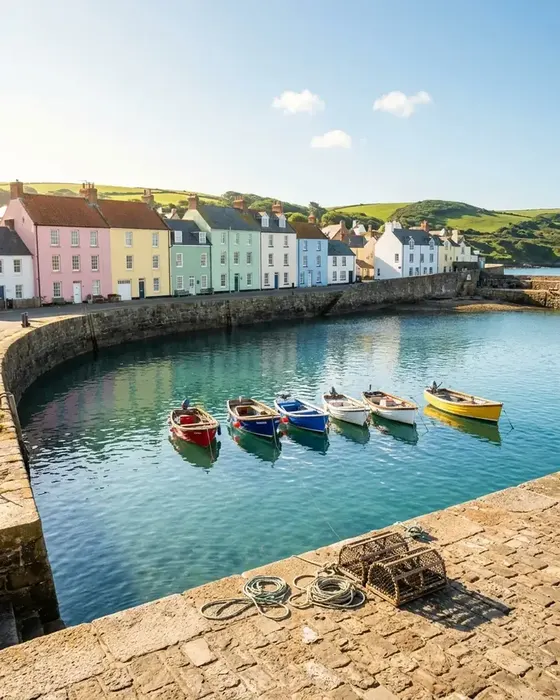 Your Reel
 shows the harbour from day two of the Cornwall tour. Maeve opens your profile and taps the link in your bio.
Your event blocks list this season's trips by departure date. The Cornwall tour leaves on 12 May, the week of the birthday.
Your FAQ block tells travellers to check the official government site for their passport. Maeve then opens the summer brochure to read the hotel details.
She books a call with Aoife to ask about a ground floor room for her mother. The call sits in your booking tool.
Before they book, travellers want the dates, the full trip details, a person to ask and the documents they need. These four blocks hold each part.
Add an event block for each departure, with the date, the length of the trip and one line about it. Its Details button opens the full trip page on your website.
Some travellers want to talk before they choose a trip. A bookings block opens your booking tool, where they pick a call with Aoife or Declan.
A link block opens your summer brochure as a PDF. People read it at home, and the QR code on its back cover brings them to your page again.
Passport and visa rules change, so your answer sends travellers to the official government site. Add your own list of what to bring to the airport.
Travellers meet your agency in a Reel, in your shop window and in a group chat. One link serves all three.
Put more.you/saltroadtravel in each bio. A Reel from a tour can end with its next departure date and the words link in bio.
Print the code on the window poster and on the back of each brochure. People scan it in the evening to see trip dates and book a planning call.
Share the page in the group for each departure. Travellers read the documents answer and your office hours before the trip.
People ask AI assistants for small group tours from their city. Each departure becomes Event data with its date. Your office hours become LocalBusiness data, and your documents answer becomes FAQPage data.
What an AI assistant reads here
Type the name you want after more.you/ and create your free account.
Add one event block per trip with its date and the Details link. Add your brochure, a bookings block for planning calls, your office hours and a documents answer.
Put the QR code on the back of each brochure and on the window poster. Add the link to your bios and to each tour's WhatsApp group. Then publish.
More pages: Hotels and guesthouses, Bars, clubs and venues, Shops and boutiques, Blocks, QR codes, Auto-Pin, every industry or pages for creators.
Guides: Bookings Through Link in Bio: A Setup Guide, How to Drive Traffic From Instagram to Your Bio Link.
Sources checked on 11 November 2026.
Add each trip with its date, your brochure and a planning call. Then print the QR code on the brochure and the shop window.
Before you go
One link in bio for everything you share.