Join this week and get Pro free for 6 monthsLiked the free tool? Get your own page with Pro freeMoving to More.You? Get Pro free for 6 monthsPick a template and get Pro free for 6 monthsTry every Pro feature free for 6 monthsPut it into practice with Pro free for 6 months
Get Pro freeSign upTemplatesSee all templatesPricing



Product
Page blocksLinks, products, bookings, events and opening hoursThemes and fonts15 colour themes, 31 fonts, buttons and backgroundsClick analyticsPage views, clicks on each link, countries and devicesLinktree importPaste your Linktree address and pick the links to bringResources
 Claude and More.You
Build your link in bio page in Claude
Add More.You as a custom connector once. Then ask Claude for a new page, new links, a new look or your numbers, in your own words.
Connect Claude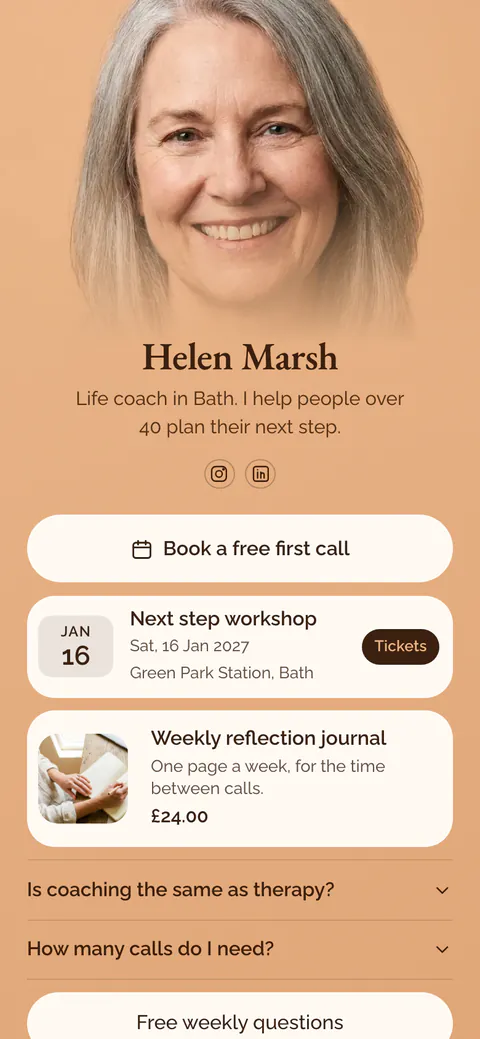

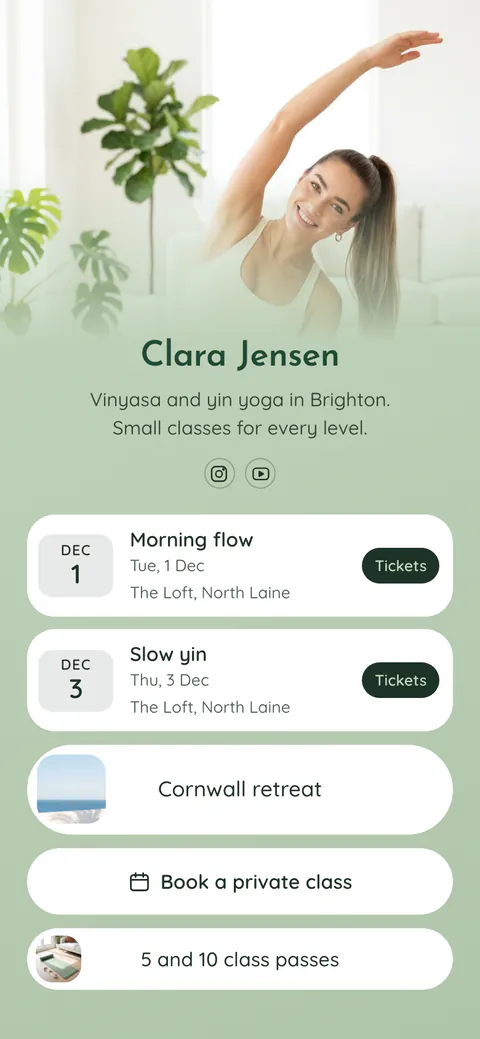
More.You in Claude
You can use More.You in Claude through a custom connector. In Claude, open Customize, then Connectors, and add https://mcp.more.you/api. Sign in to More.You once. Claude can then create pages, add and edit links, change the design, publish and read your statistics. It works on the Free plan with one custom connector.
Connect Claude in 5 steps
Open Connectors
On claude.ai or in Claude Desktop, open Customize, then Connectors.
Add a custom connector
Select + Add, then Add custom connector.
Enter the address
Name it More.You and paste the address below. Select Continue.
Keep the sign-in settings
Leave the settings marked Detected and select Add.
Connect
Select Connect and sign in to your More.You account.
The Free plan can add one custom connector. Pro, Max, Ultra, Team and Enterprise can add more. On Team and Enterprise, an Owner adds it first, then members select Connect.
From Claude documentation, checked 17 November 2026:support.claude.comclaude.com
MCP server address
https://mcp.more.you/apiSign in with your More.You account when Claude asks. Approve once.
Once added, More.You works in Claude on the web, on desktop and in the phone app.
Things to ask Claude
Type them in plain words. A new page starts unpublished.
ClaudeBuild me a page for my coaching: a discovery call link, my six-week programme and my Instagram.
- Tools it can use:
- create_page
- add_blocks
- update_design
A first page
Claude asks a few questions, creates the page and shows it to you before you publish.
ClaudeMove my workshop link to the top and make the buttons rounder.
- Tools it can use:
- reorder_blocks
- update_design
Quick changes
One sentence changes the order and the look.
ClaudeWhich links got the most clicks this month?
- Tools it can use:
- get_page_analytics
Your numbers
Claude reads your views and clicks and answers in plain words.
What Claude can change
Claude works inside your plan, the same as the editor. It has 25 tools: 10 only read, 15 make changes.
- PagesCreate a page, set its address, publish it or take it offline.
- Links and blocksAdd up to 20 blocks at once, change one, put them in a new order or archive one.
- DesignTheme, colours, fonts, buttons and wallpaper, or a template from the gallery.
- StatisticsViews, clicks, top links and how many people signed up by email. Never their emails.
- Your own domainConnect a domain you own and check its DNS records.
- Stays in the editorSelling, tips and paid rewards.
Questions about Claude and More.You
Can I use More.You in Claude on the Free plan?
Yes. The Claude Free plan can add one custom connector, and More.You can be that one. Pro, Max, Ultra, Team and Enterprise plans can add more connectors.
Does More.You work in the Claude phone app?
Yes. Add the connector on claude.ai or in Claude Desktop. After that, it also works in the Claude app on your phone.
Does connecting Claude cost extra on More.You?
No. The connection is free on every More.You plan, Free included. Your plan's limits apply, the same as in the editor: a custom domain needs a paid plan whether you click or ask.
Can Claude publish my page without asking?
A new page starts unpublished. Publishing is a separate step, so Claude publishes a page only when you ask it to. You can take a page offline the same way, or in the editor.
What can Claude see in my account?
Your pages, their design and their statistics. For email signups it sees how many people signed up and when, never their email addresses. It never sees your password or payment details.
How do I disconnect Claude?
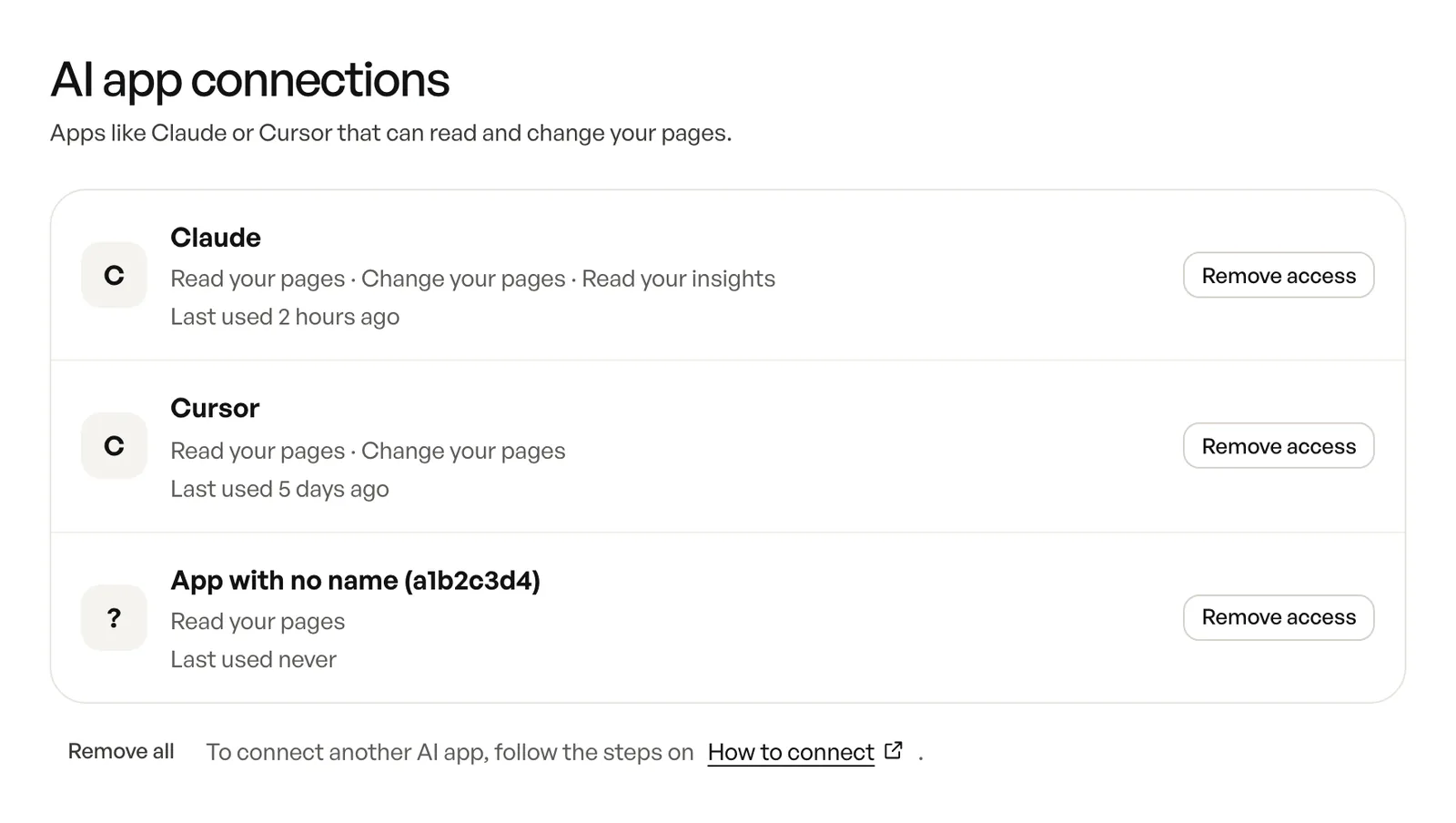
Remove More.You in Claude's Connectors settings, or remove Claude from the AI app connections in your More.You account. You can connect again at any time.
Other AI agents
The same connection works in each of them.
 ChatGPTChat app on the web, desktop and phone
 GeminiGoogle's chat app on the web and phone
 Claude CodeAnthropic's coding agent in your terminal
 CodexOpenAI's coding agent
 CursorCode editor with an AI agent
- Claude CoworkClaude for long tasks across your apps
 Perplexity ComputerPerplexity's agent for tasks with many steps
 OpenClawOpen-source assistant you message in chat apps
Start with a free page
Create your More.You page. Then connect Claude and ask for changes in plain words.
Already have a page? Connect Claude
 more.you/yourname
Before you go
Put everything you share behind one link
More.You is a free link in bio page. No card needed.
- Start from a template made for your work
- Add links, products, bookings and events
- See how many people tap each link