Join this week and get Pro free for 6 monthsLiked the free tool? Get your own page with Pro freeMoving to More.You? Get Pro free for 6 monthsPick a template and get Pro free for 6 monthsTry every Pro feature free for 6 monthsPut it into practice with Pro free for 6 months
Get Pro freeSign upTemplatesSee all templatesPricing



Product
Page blocksLinks, products, bookings, events and opening hoursThemes and fonts15 colour themes, 31 fonts, buttons and backgroundsClick analyticsPage views, clicks on each link, countries and devicesLinktree importPaste your Linktree address and pick the links to bringResources
Free tool
Social media image sizes
Every size in one place, and your photo resized to all of them.
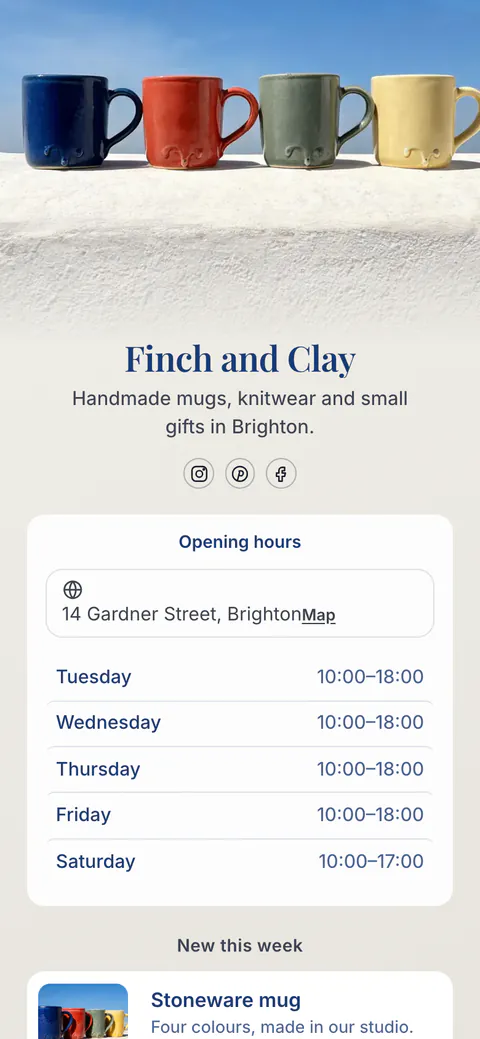
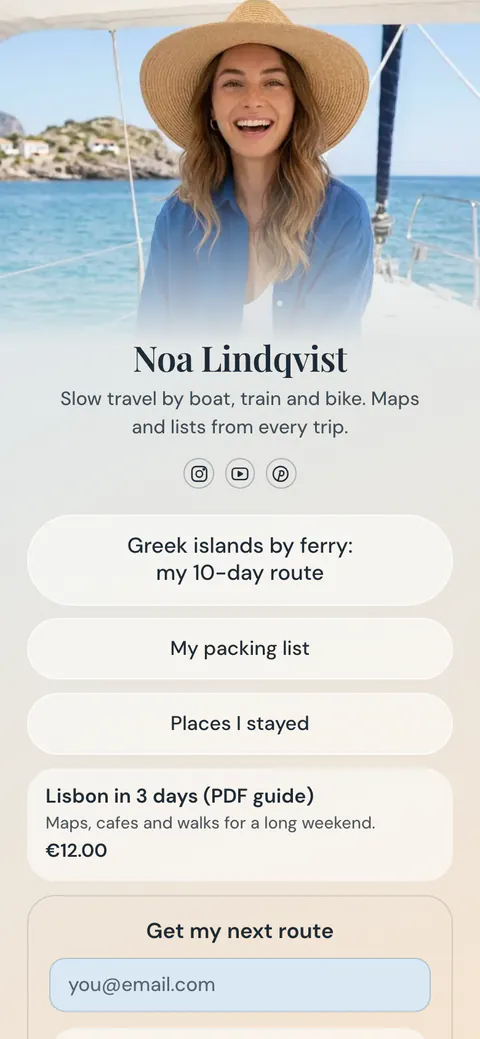
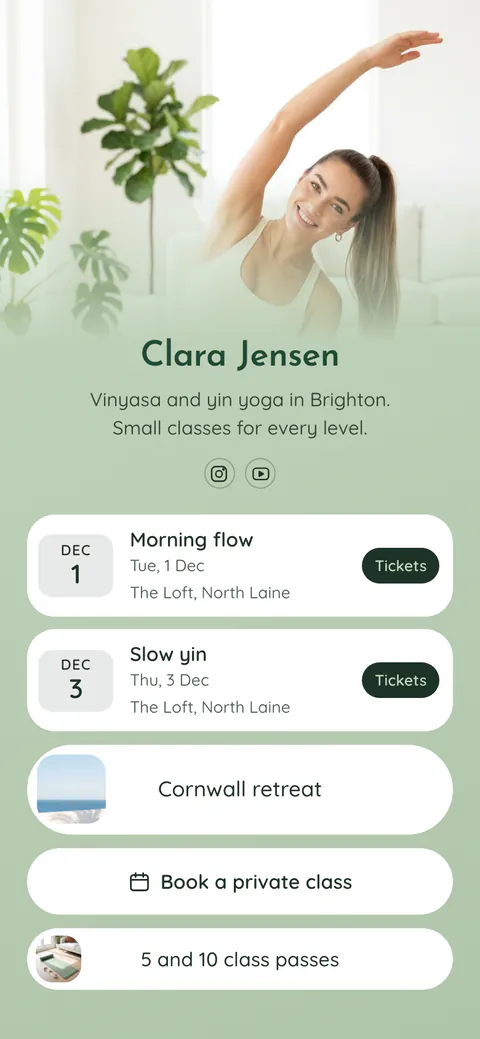
Your photo

Tap the photo to choose what every crop keeps.Example photo
How it fits
Background
File type
Your images
0Sizes chosen
Pick at least one size below to see your images here.
All 23 sizes
Use the same photo on a More.You page, with all your links under it.
Create your pageWhat the right image size does
Social media image sizes are the widths and heights, in pixels, that each app expects for posts, stories, covers and profile photos. An image at the right size fills its space with no grey bars and no crop that cuts off a head. The sizes on this page come from each platform's own help pages, checked on 17 November 2026.
The shape matters more than the pixels. Instagram keeps feed photos between 1.91:1 and 3:4, stories and reels are 9:16, and link previews are 1.91:1. When a photo has another shape, the app crops it, usually around the centre. The resizer crops it for you instead, around the point you tap, so faces and words stay in view.
Everything runs in your browser. Your photo is drawn on a canvas and saved as new files on your device, one by one or all together in a ZIP file. Nothing is uploaded, and there is no account, no watermark and no limit.
How to resize a photo for social media
Choose your photo
Drop a JPG, PNG or WebP photo on the tool, or choose one from your device.
Tap what to keep
Tap the face or the product in your photo. Every crop keeps that point in view.
Pick the sizes
Tick the sizes you need, or press a set such as Profile photos or Covers and banners.
Download them
Download one image, or all of them in one ZIP file. Each file name says the app and the size.
Image sizes for each platform in 2026
Width × height in pixels, from each platform's own help pages. Where a platform gives only a shape, the size is marked as the shape and its smallest size.
| Image | Size in pixels | Shape | Notes |
|---|---|---|---|
| Instagram post | 1080 × 1080, 1080 × 1350 or 1080 × 1440 | 1:1, 4:5 or 3:4 | Instagram keeps photos 320 to 1080 pixels wide between 1.91:1 and 3:4. Posts made through the API stop at 4:5. |
| Instagram wide post | 1080 × 566 | 1.91:1 | The widest feed photo Instagram keeps without a crop. |
| Instagram story and reel | 1080 × 1920 | 9:16 | Reels take 1.91:1 to 9:16. Keep words away from the top and the bottom. |
| Instagram reel cover | 420 × 654 | 1:1.55 | The size Instagram's help page gives for a reel cover. |
| TikTok video and photo post | At least 540 × 960 | 9:16 | TikTok gives the shape and the smallest size. The resizer saves 1080 × 1920. |
| YouTube video thumbnail | 3840 × 2160 | 16:9 | At least 640 wide. JPG or PNG, up to 2 MB from a phone and 50 MB from a computer. |
| YouTube Shorts thumbnail | 2160 × 3840 | 9:16 | At least 640 high. |
| YouTube channel banner | 2560 × 1440 | 16:9 | At least 2048 × 1152, up to 6 MB. Keep words in the centre 1235 × 338 of a 2048 × 1152 image. |
| X header | 1500 × 500 | 3:1 | Up to 60 pixels at the top and the bottom may be cut. |
| X profile photo | 400 × 400 | 1:1 | JPG, GIF or PNG, up to 2 MB. Shown as a circle. |
| X post image | 1920 × 1080 | 16:9 | A single photo between 2:1 and 3:4 shows in full. |
| LinkedIn profile photo | 400 × 400 or larger | 1:1 | Up to 8 MB. Shown as a circle. |
| LinkedIn profile background | 1584 × 396 | 4:1 | JPG or PNG, under 8 MB. |
| LinkedIn company logo | 400 × 400 | 1:1 | At least 268 × 268, up to 3 MB. |
| LinkedIn company cover | 1512 × 256 | 5.9:1 | The size LinkedIn's help page gives in November 2026. |
| LinkedIn link image | 1200 × 627 | 1.91:1 | More than 200 pixels wide, or it shows as a thumbnail. |
| Facebook Page cover | 851 × 315 | 2.7:1 | At least 400 × 150. A JPG under 100 KB loads fastest. |
| Facebook Page profile picture | 320 × 320 | 1:1 | Shown as a circle, at 176 × 176 on a computer. |
| Facebook link image | 1200 × 630 | 1.91:1 | At least 200 × 200, up to 8 MB. |
| Pinterest standard Pin | 1000 × 1500 | 2:3 | Pins taller than 2:3 may be cut in the feed. |
| Link preview (Open Graph) | 1200 × 630 | 1.91:1 | The image chat apps and social sites show when you share a link. |
Sources: Instagram, photo sizes, Instagram, reels, Meta, story sizes, TikTok, in-feed ads, YouTube, thumbnails, YouTube, banner and picture, X, profile photo and header, X, photos in posts, X, ad sizes, LinkedIn, profile photo, LinkedIn, background photo, LinkedIn, Page images, Facebook, Page photos, Meta, images in link shares, Pinterest, product specs. Checked 17 November 2026.
On your More.You page
One page for every app you post on
Claim your free page, add your photo and your links, and share more.you/yourname from every profile.
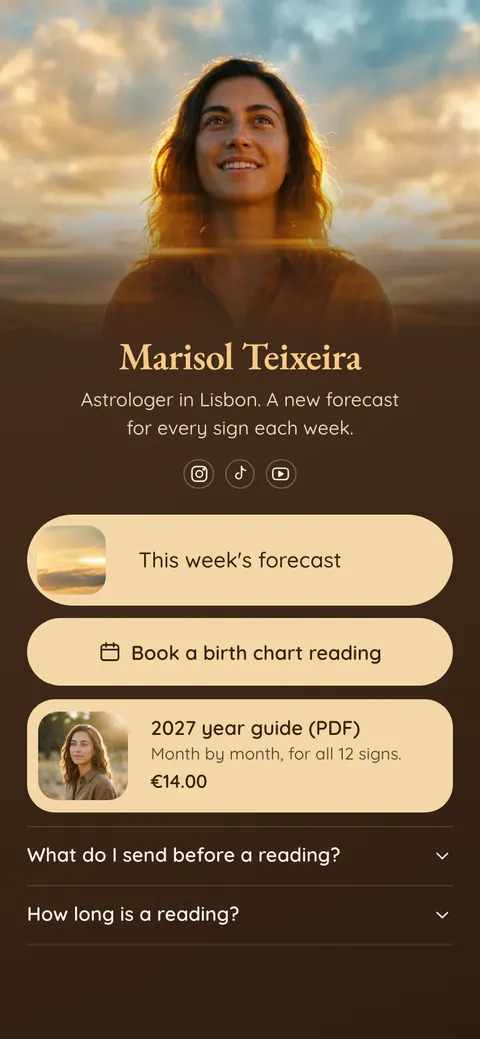
Image size questions
What size is an Instagram post in 2026?
Use 1080 pixels wide. Instagram keeps feed photos between 1.91:1 and 3:4 without a crop, so 1080 × 1080 (square), 1080 × 1350 (4:5) and 1080 × 1440 (3:4) all work in the app. Posts made through the API, such as from a scheduling tool, stop at 4:5, so 1080 × 1350 is the safe choice.
What size is an Instagram story or reel?
Use 1080 × 1920 pixels, a 9:16 shape that fills a phone screen. Meta gives this size for stories, and reels take shapes from 1.91:1 to 9:16. Keep your words and faces away from the top and the bottom of the frame, because the name, the buttons and the caption cover those parts.
What size is a YouTube thumbnail?
YouTube recommends 3840 × 2160 pixels, a 16:9 shape, with at least 640 pixels of width. Use a JPG or PNG under 2 MB if you upload it from a phone, or up to 50 MB from a computer. A Shorts thumbnail is 2160 × 3840, the same size turned on its side.
What size is a YouTube channel banner?
Upload 2560 × 1440 pixels, up to 6 MB. The smallest banner YouTube accepts is 2048 × 1152. Phones and computers show only a strip in the middle, so keep your name and words inside the centre 1235 × 338 of a 2048 × 1152 image. The resizer marks that area on the preview.
What size is a LinkedIn banner?
A personal profile background is 1584 × 396 pixels, a JPG or PNG under 8 MB. For a company Page cover, LinkedIn's help page now gives 1512 × 256 pixels, so an older 1128 × 191 cover looks small. Keep words away from the left side, where the profile photo sits over the banner.
What size is a TikTok video or photo?
TikTok asks for a 9:16 shape and at least 540 × 960 pixels. A 1080 × 1920 image meets both rules and is the size the resizer saves. Keep words in the middle of the frame, because the caption and the buttons cover the bottom and the right side of the screen.
What size is a link preview image?
Use 1200 × 630 pixels, a 1.91:1 shape. Facebook asks for at least 1200 × 630, LinkedIn shows 1200 × 627, and WhatsApp needs the file under 600 KB. One image at this size works in every chat app. The link preview checker shows how your page looks when someone shares it.
Is my photo uploaded?
No. The resizer reads your photo in your browser, draws each size on a canvas and saves the files on your device. Nothing is sent to a server, and the photo is gone when you close the page. There is no account, no watermark and no limit on how many photos you resize.
 more.you/yourname
Before you go
Put everything you share behind one link
More.You is a free link in bio page. No card needed.
- Start from a template made for your work
- Add links, products, bookings and events
- See how many people tap each link