Join this week and get Pro free for 6 monthsLiked the free tool? Get your own page with Pro freeMoving to More.You? Get Pro free for 6 monthsPick a template and get Pro free for 6 monthsTry every Pro feature free for 6 monthsPut it into practice with Pro free for 6 months
Get Pro freeSign upTemplatesSee all templatesPricing
Product
Page blocksLinks, products, bookings, events and opening hoursThemes and fonts15 colour themes, 31 fonts, buttons and backgroundsClick analyticsPage views, clicks on each link, countries and devicesLinktree importPaste your Linktree address and pick the links to bringResources
Free link in bio
One link in bio for everything you share.
More.You is a free link in bio page for Instagram, TikTok and YouTube. Add your links, products, bookings and events, then share one link.
Link in bio for creators and small businesses
Pick your kind of work to see what goes on your page.
 Link in bio for CoachesClients book a first call from your bio.
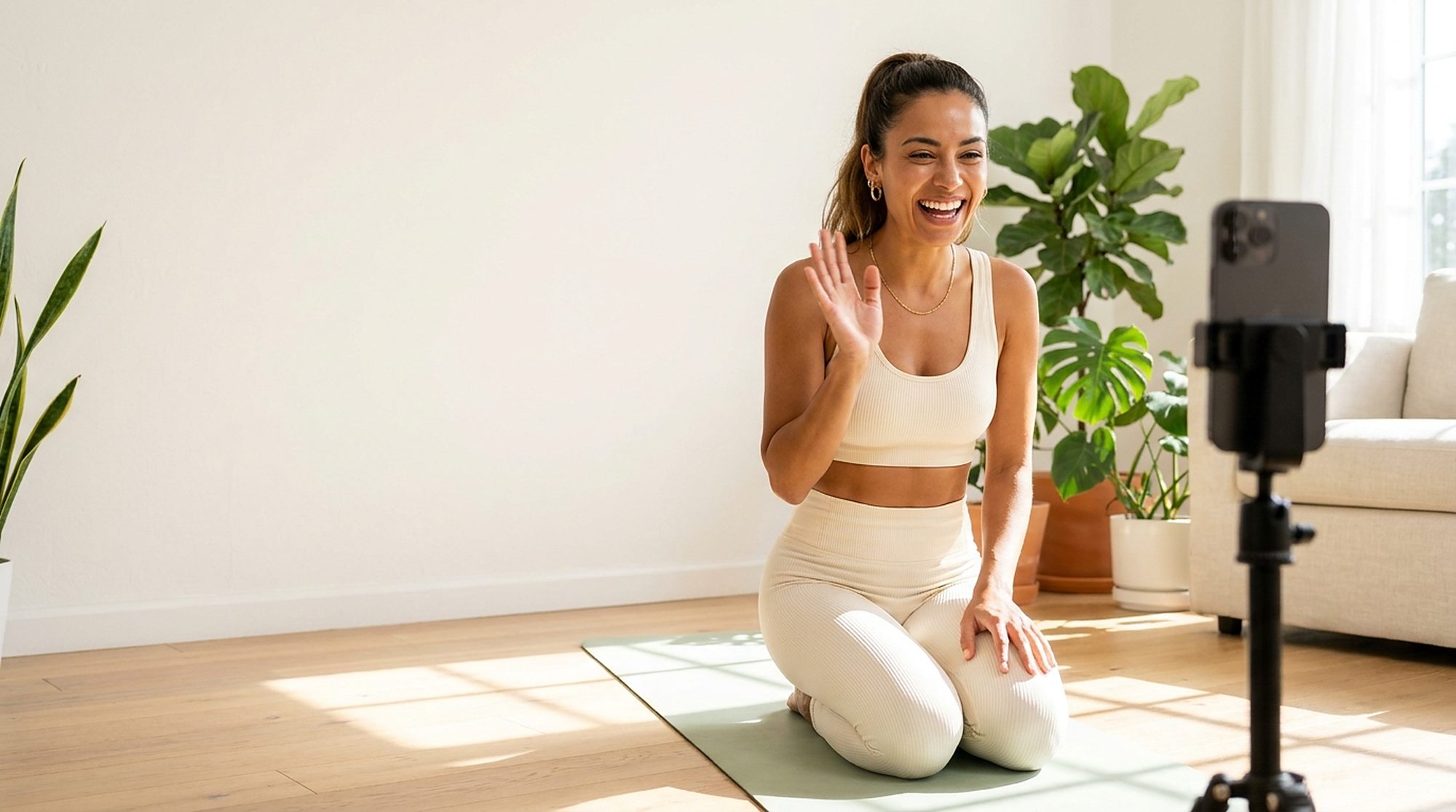
 Link in bio for Content creatorsOne page that answers every "link?" comment.
 Link in bio for Affiliate creatorsEach pick from your videos, with its link.
 Link in bio for UGC creatorsSend brands one link with every pitch.
 Link in bio for Personal trainersSessions and plans, one tap from your reel.
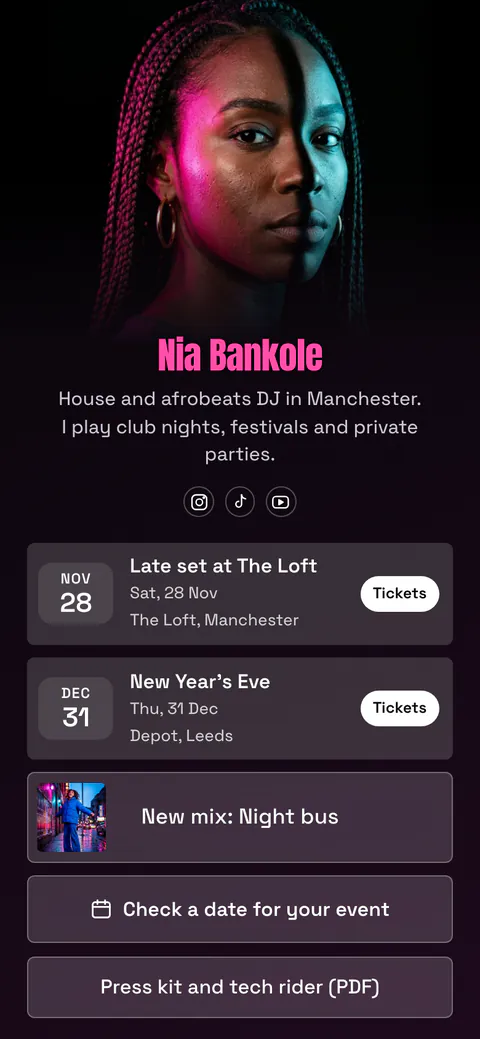
 Link in bio for MusiciansYour new release, your dates and your tickets.
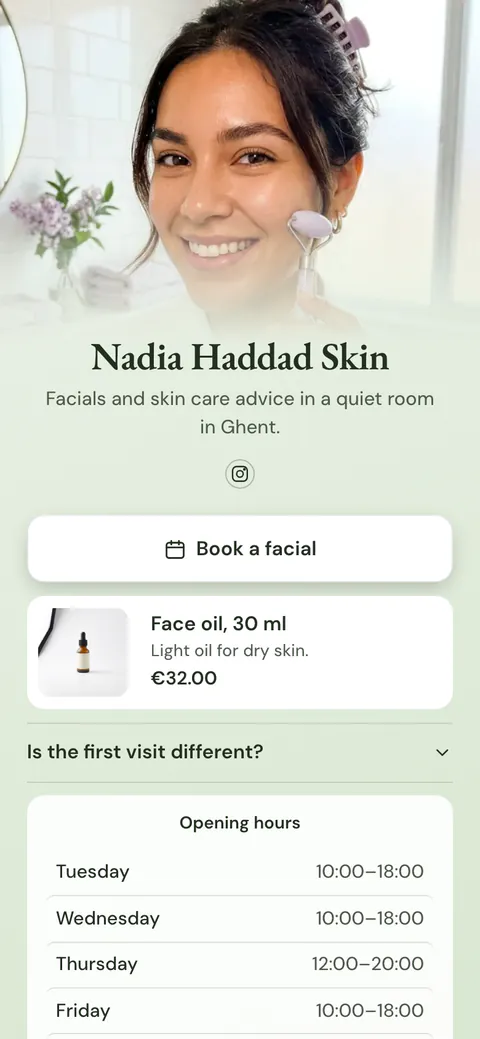
 Link in bio for Salons and barbershopsFrom a reel to your booking page.
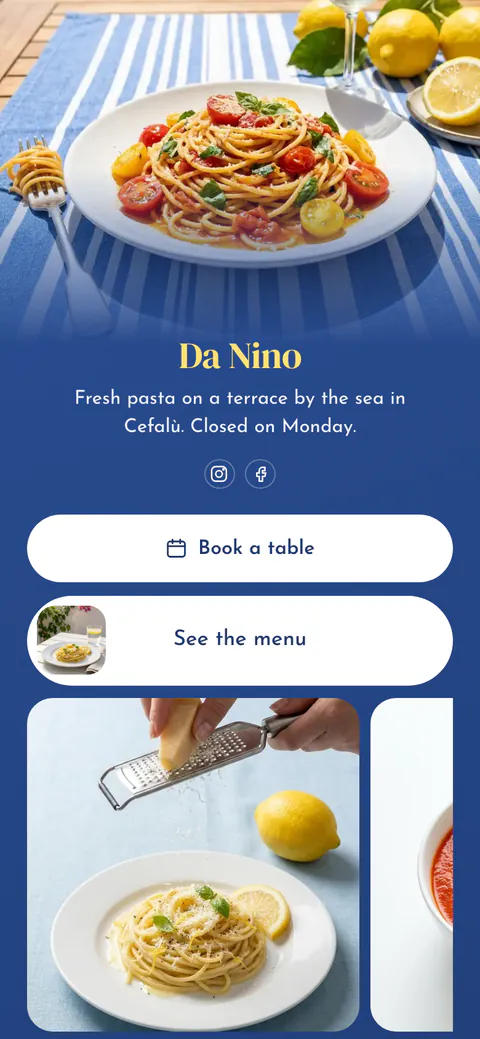
 Link in bio for Restaurants and cafesYour menu, a table to book and your opening hours.
Link in bio templates
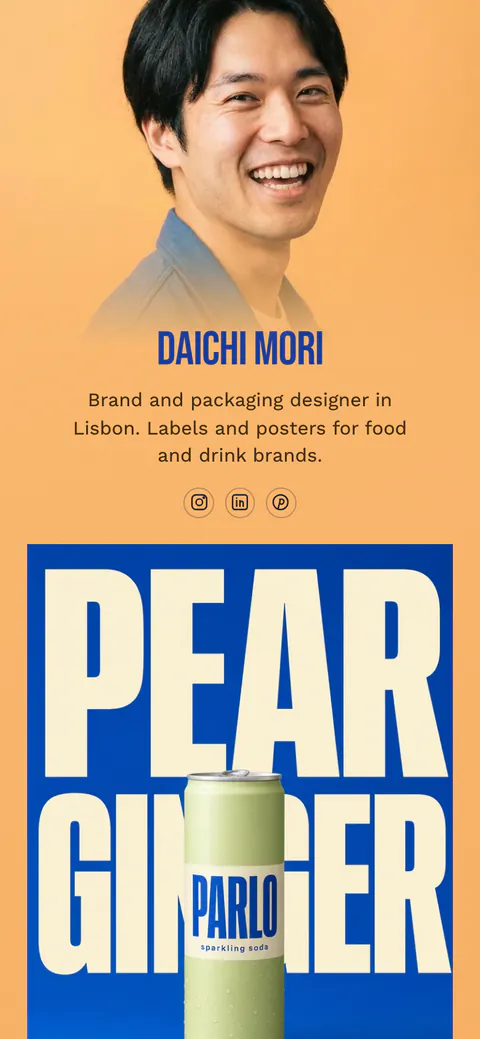
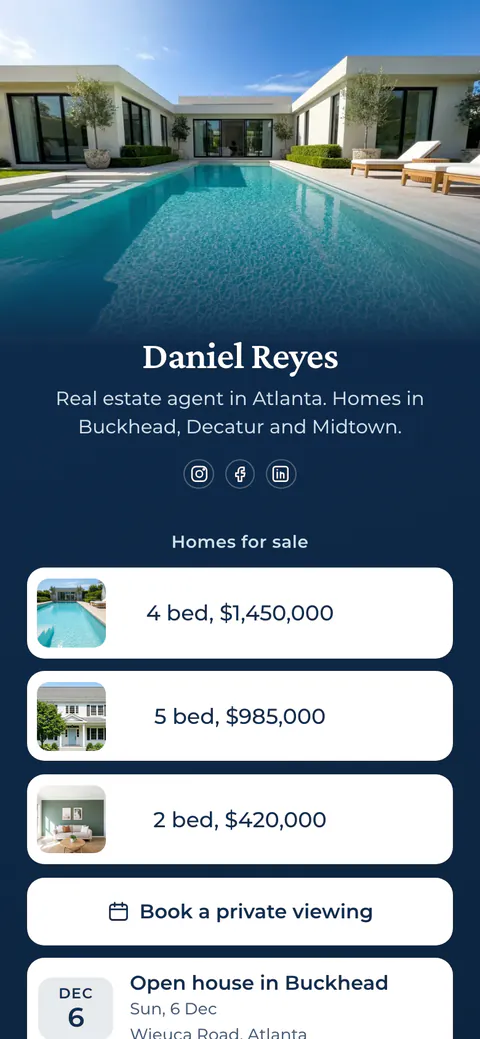
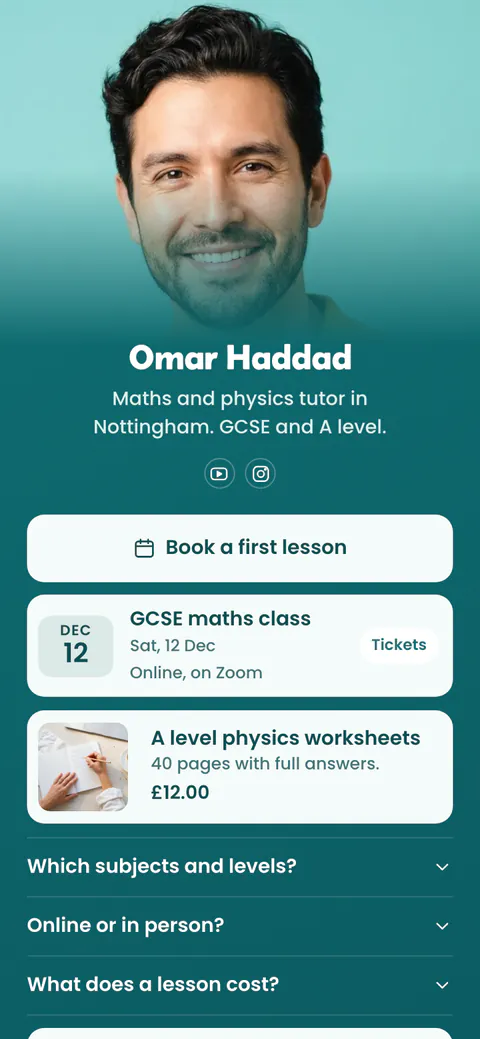
Start from a page made for your kind of work. Then change the words, the photos and the colours.
What you can add to your link in bio
Add a block for each thing people ask you for. Put the blocks in the order you want.
 BookingsA button that opens your booking page.
 ProductsA photo and a price. One tap opens your store.
 Email sign-upA form that collects email addresses.
 Questions and answersAnswers to the questions people send you.
Also: links, events, opening hours, photos, text, a YouTube video, music releases, podcast episodes and social icons.
Link in bio questions
What a link in bio page is, what it costs and how to move your old page
What is a link in bio page?
A link in bio page is one web page that holds all your important links. You put its address in your Instagram, TikTok or YouTube bio, and visitors choose where to go next. On More.You you build the page from blocks: links, products, events, bookings, opening hours and FAQ.
Is More.You free?
Yes. The Free plan gives you one page with links, products, booking buttons, events and FAQ, plus every theme and template. It has no time limit and needs no card. Pro and Premium are paid plans. The pricing page lists what each one includes.
What can I add to my link in bio page?
Links, social icons, products, events, bookings, opening hours, questions and answers, an email sign-up form, a YouTube video, music releases and podcast episodes. A product opens your store and a booking button opens your booking page, in one tap.
Can I move my page from Linktree?
Yes. Paste the address of your Linktree page in the editor. More.You lists what it reads and you tick what to add. Then add anything else by hand.
What address does my page get?
Your page lives at more.you/yourname. You choose the name when you create the page. It can have 1 to 32 letters, numbers and hyphens.
Can ChatGPT and other AI assistants read my page?
Yes. Every published page has a short text version for AI assistants, on every plan. They can read your name, what you offer and your links. You can turn AI reading off for any page.
Create your More.You page
Put everything you offer behind one link.
 more.you/yourname
Before you go
Put everything you share behind one link
More.You is a free link in bio page. No card needed.
- Start from a template made for your work
- Add links, products, bookings and events
- See how many people tap each link