Join this week and get Pro free for 6 monthsLiked the free tool? Get your own page with Pro freeMoving to More.You? Get Pro free for 6 monthsPick a template and get Pro free for 6 monthsTry every Pro feature free for 6 monthsPut it into practice with Pro free for 6 months
Get Pro freeSign upTemplatesSee all templatesPricing



Product
Page blocksLinks, products, bookings, events and opening hoursThemes and fonts15 colour themes, 31 fonts, buttons and backgroundsClick analyticsPage views, clicks on each link, countries and devicesLinktree importPaste your Linktree address and pick the links to bringResources
TemplateOutfit notes
Link in bio template for fashion influencers
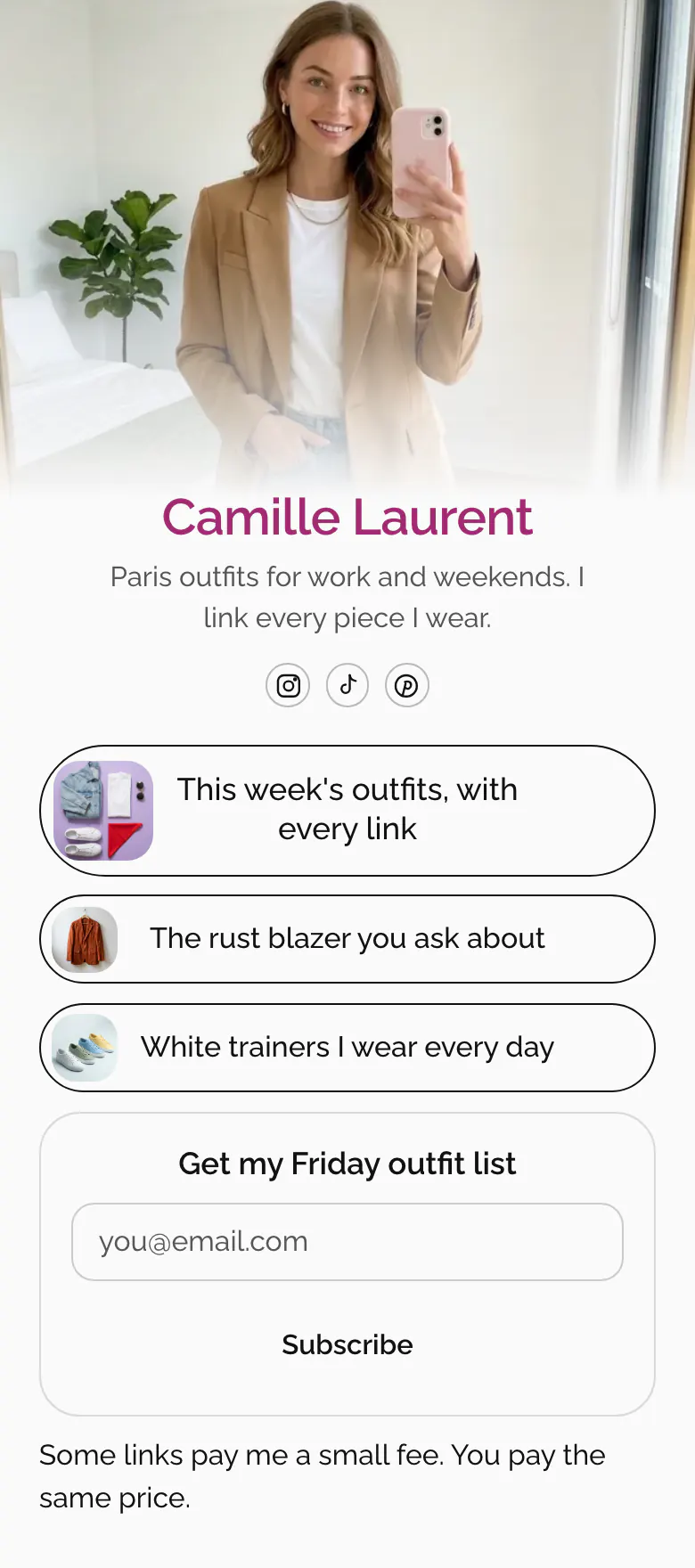
Followers who ask where the blazer is from get the answer in one tap. This week's outfits come first, then the two pieces people ask about most, each with a small picture. An email form and a line about paid links end the page.
Bio link blocks for a fashion influencer
Start a fashion influencer's link in bio with this week's outfits and their shop links, then add the single pieces followers ask about most, an email signup and one line saying that some links are paid. The comment under nearly every outfit post is a request for the link. A page in this order answers it before anyone types it.
What is on this page
- Name and bioCamille LaurentParis outfits for work and weekends. I link every piece I wear.
- Social iconsInstagram, TikTok, Pinterest
- Featured linkThis week's outfits, with every link
“This week's outfits, with every link” has a picture of the week's pieces laid flat. Replace the address each week and keep the button.
- LinkThe rust blazer you ask about
Named the way followers ask, “The rust blazer you ask about”. A small picture of the piece sits beside the words.
- LinkWhite trainers I wear every day
- Email signupGet my Friday outfit listSubscribe
The title promises an outfit list on Friday. A visitor types an address and presses Subscribe, and you can show a brand's discount code after sign-up.
- TextSome links pay me a small fee. You pay the same price.
Camille ends the page in her own voice. Some links earn her money, she writes, and the follower pays the same price.
Who it is for
Fashion and style creators who post outfits on Instagram, TikTok or Pinterest and link the pieces through affiliate programmes. It fits a creator who posts new outfits every week and has a few pieces, like one blazer, that followers keep asking about. If nearly all your links go through one shopping app, start from the template for LTK creators or the one for ShopMy creators.
How to make it yours
Take Camille's layout
With Use this template you begin from Camille's layout, a weekly outfit link, two piece links, an email form and a disclosure line.
Link what you wear
Put your own photo and name on the cover, then paste the address of this week's outfit post into the first block. Add the two pieces your comments ask about most, each with its own small picture.
Reply with link in bio
The address of your published page, more.you/yourname, goes in your Instagram and TikTok bio and your Pinterest profile. When someone asks where a piece is from, reply “link in bio”.
- Followers describe a piece by its colour and shape, so write the link that way, like “The rust blazer you ask about”. A product code means little to them.
- When a piece is out of stock, remove its link the same day or replace it with a similar piece. Links to empty shop pages teach followers to stop tapping.
- More.You shows how many times visitors tapped each link. Use that number to choose which pieces stay on the page next week.
Questions
What should a fashion influencer put in their link in bio?
This week's outfits with every shop link, the pieces you are asked about most, an email signup and a short disclosure line. Start with the newest outfits. The follower who taps has seen them in your latest post and wants the shop link now.
Do I need to disclose affiliate links in my link in bio?
Advertising rules in many countries say yes, and followers must be able to see that a link earns you money. This page ends with a text line saying that some links earn Camille money and the visitor pays the same price. Check the rule where you live and keep your line in plain words.
How do I link every piece of an outfit from Instagram?
Use one link for the whole outfit post and separate links for the pieces people ask about. On this page the first block opens “This week's outfits, with every link”, and the rust blazer and the white trainers have their own buttons. Your page holds up to 50 blocks, so a full season of pieces fits.
Is the template free, and can I change the white design?
It is free to create and publish your outfit page. The white background and the outline buttons are a starting point. You can choose solid or glass buttons, a gradient or a photo as the background, and your own colours for buttons and text.
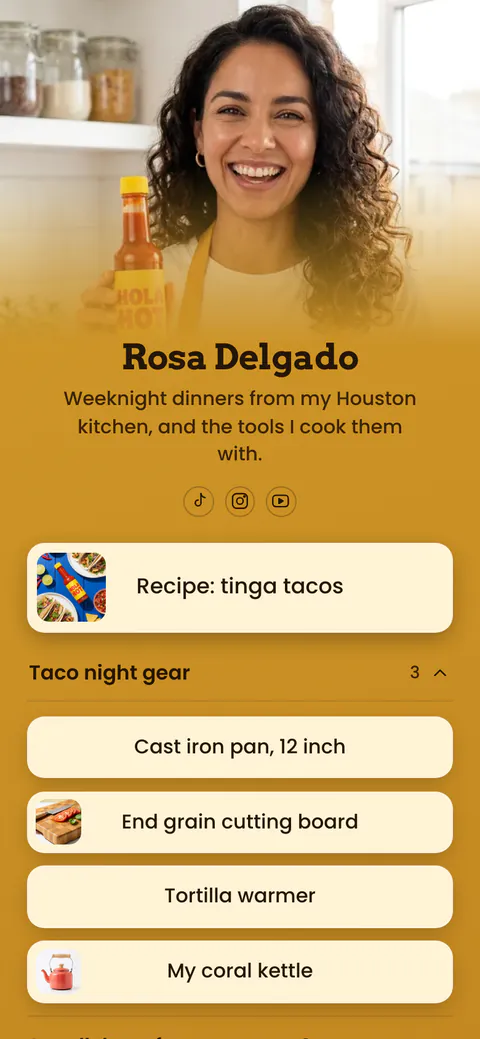
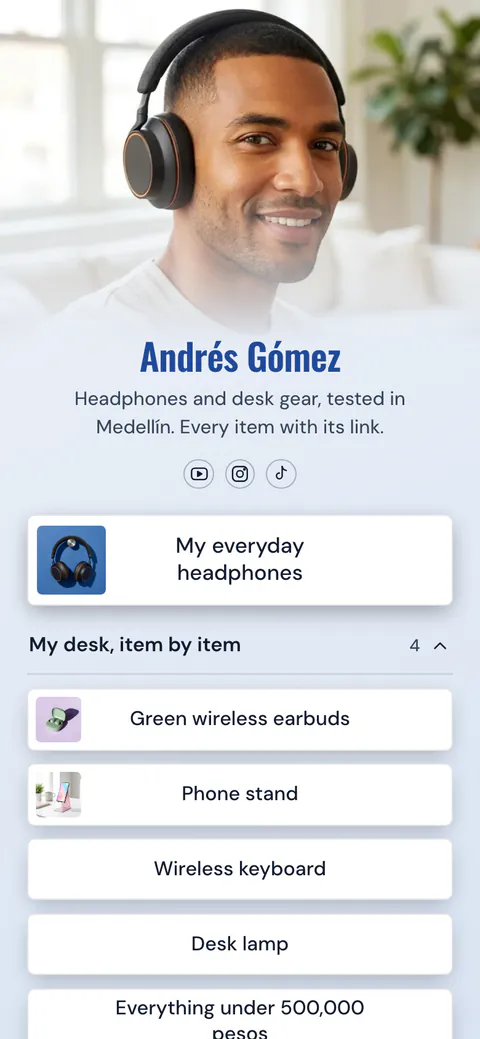
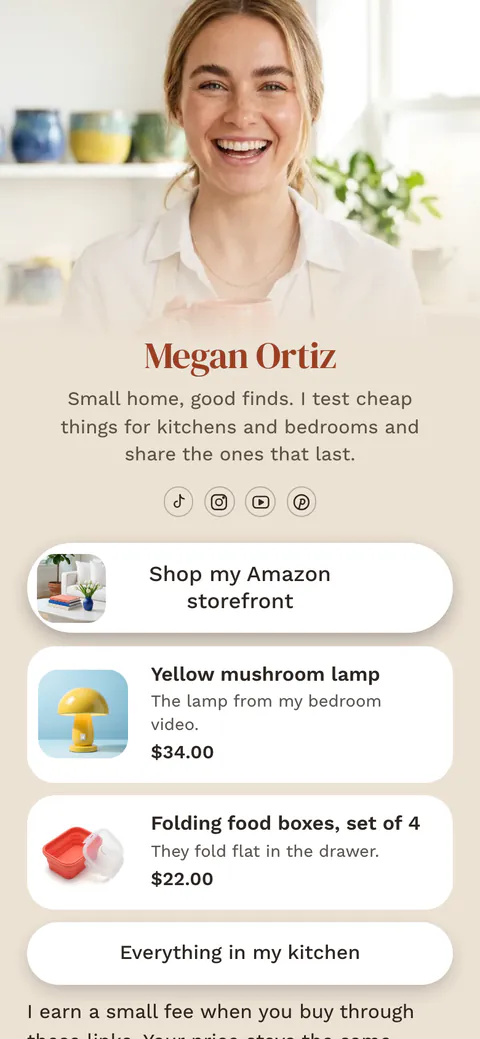
Start your page with this template
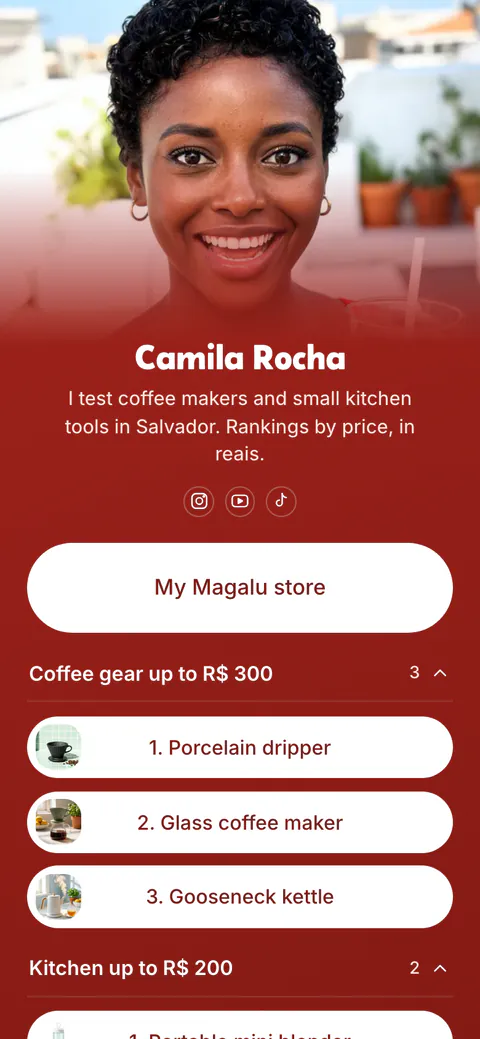
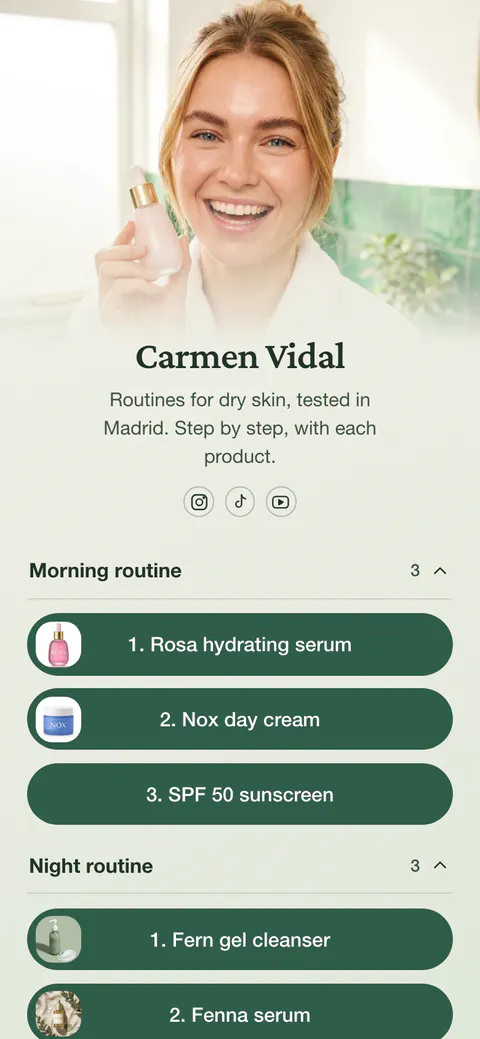
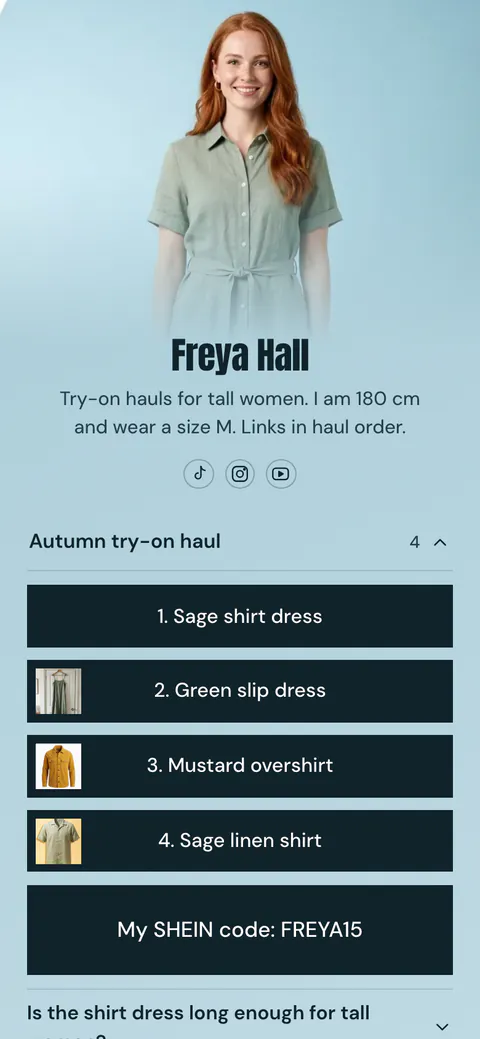
Type the name you want after more.you/ and create your account. Then change the words and photos to yours.
 more.you/yourname
Before you go
Put everything you share behind one link
More.You is a free link in bio page. No card needed.
- Start from a template made for your work
- Add links, products, bookings and events
- See how many people tap each link