Join this week and get Pro free for 6 monthsLiked the free tool? Get your own page with Pro freeMoving to More.You? Get Pro free for 6 monthsPick a template and get Pro free for 6 monthsTry every Pro feature free for 6 monthsPut it into practice with Pro free for 6 months
Get Pro freeSign upTemplatesSee all templatesPricing



Product
Page blocksLinks, products, bookings, events and opening hoursThemes and fonts15 colour themes, 31 fonts, buttons and backgroundsClick analyticsPage views, clicks on each link, countries and devicesLinktree importPaste your Linktree address and pick the links to bringResources
TemplateLemon terrace
Link in bio template for travel agencies
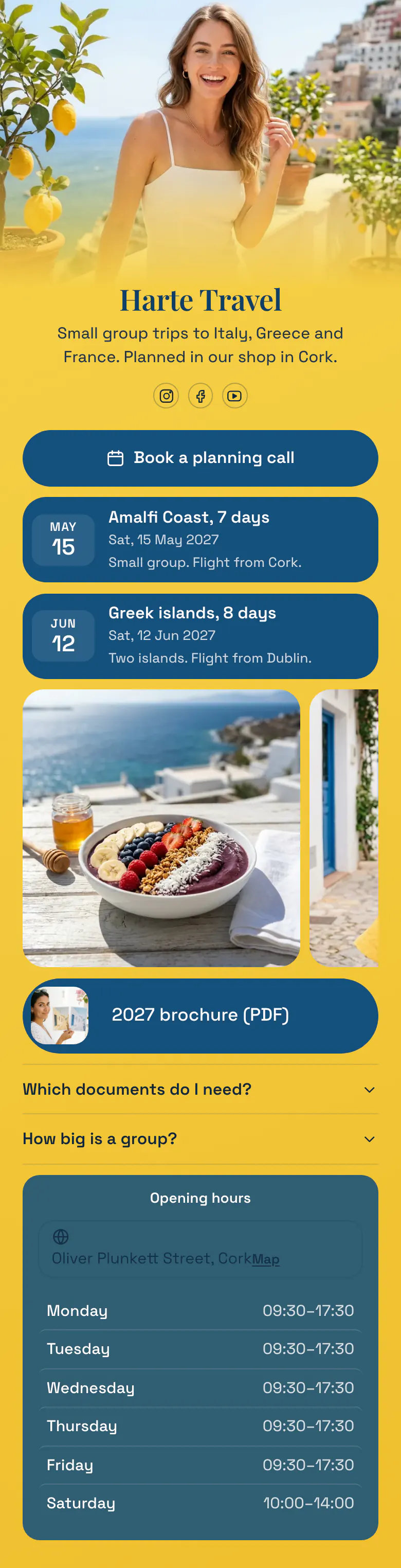
Nobody books a week in Amalfi from a single reel. People want to talk first, so the page opens with 'Book a planning call'. Two trips with departure dates sit under it, then photos of the places and the 2027 brochure.
The travel agency bio link, block by block
For a travel agency, the link in bio starts with a conversation and continues with the trips: a button to book a planning call, then the next departures with their dates, photos of the places, the brochure, answers on documents and group size, and shop hours. A trip is a big purchase, so most people want to talk before they book.
What is on this page
- Name and bioHarte TravelSmall group trips to Italy, Greece and France. Planned in our shop in Cork.
- Social iconsInstagram, Facebook, YouTube
- BookingBook a planning call
A client taps 'Book a planning call' and chooses a time on the booking service you already use. The holiday starts with a conversation.
- EventAmalfi Coast, 7 days15 May, Small group. Flight from Cork.
Each trip shows its departure date, its name and a short line such as 'Flight from Cork'. One tap opens that trip's own page.
- EventGreek islands, 8 days12 Jun, Two islands. Flight from Dublin.
- Gallery3 pictures
Three photos show the sea, the food and the streets, which a date and a name cannot show.
- Featured link2027 brochure (PDF)
The 2027 brochure opens as a PDF, for people who want to read every trip before they call.
- FAQWhich documents do I need?2 questions
'Which documents do I need?' and 'How big is a group?' are the two questions here. Each answer shows when a visitor taps the question.
- Opening hoursMonday to SaturdayOliver Plunkett Street, Cork
Shop hours are listed for each day, with today's row marked, for clients who prefer to visit in person.
Who it is for
Small agencies and solo travel agents use this layout when they sell group trips with fixed dates and meet clients in a shop or on a call. Clients follow your trip photos on Instagram and Facebook before they contact you. An owner who rents rooms and plans no trips needs the template for hotels and guesthouses.
How to make it yours
Open Lemon terrace
Departures are the centre of Lemon terrace. Open it from the template gallery and you get a call button, two trip blocks with dates, a photo gallery and a brochure link.
Type your departures
Type each trip's name, departure date and airport first, because those change most often. Then add your agency's name and photo, pictures of the places, and the link to your brochure.
Publish before the season
Your Instagram and Facebook profiles get the address more.you/yourname when the page is published. Print the same address on the back of your brochure before the booking season starts.
- List trips by departure date, nearest first, and remove a trip when it is full. A past departure date makes the whole agency look forgotten.
- Write the departure airport in the short line under each trip. 'Flight from Cork' answers a question that clients otherwise send by DM.
- Change the first button outside the booking season. In autumn it can open next year's brochure, and the planning call can move below it.
Questions
What should a travel agency put in its link in bio?
Give people a way to talk to you first, then show what they can book. A planning call button, your next trips with dates, a few photos, the brochure and your shop hours cover most visits. Add short answers on documents and group size, because those questions come with almost every enquiry.
How can a travel agency show trip dates and departures on Instagram?
Use one event block for each trip on your link in bio page. Each block shows the departure date, the trip name and a short line, as in 'Amalfi Coast, 7 days' on 15 May. A tap opens your own page for that trip, where people read the full plan and the price.
Should a travel agent share a brochure or single trips?
Share both, and place the single trips higher. A person who saw one reel about the Greek islands wants that trip and its date. The brochure suits people who are still choosing, so the sample page places the 2027 brochure under the trips and the photos.
How much does a link in bio page cost for a travel agency?
Creating and publishing a travel agency page on More.You is free. The Free plan covers one page with every block type, which includes the booking button, the trip dates, the gallery, the FAQ and the opening hours on the sample.
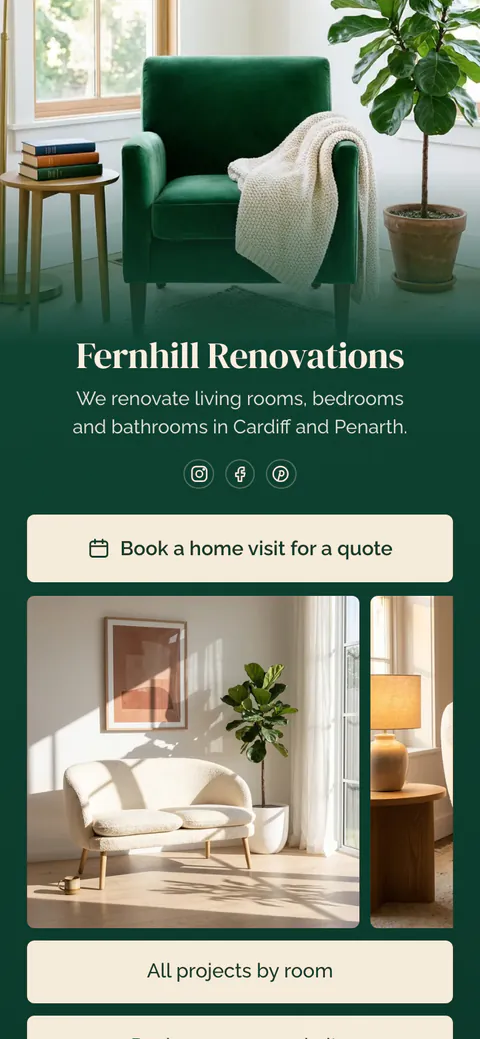
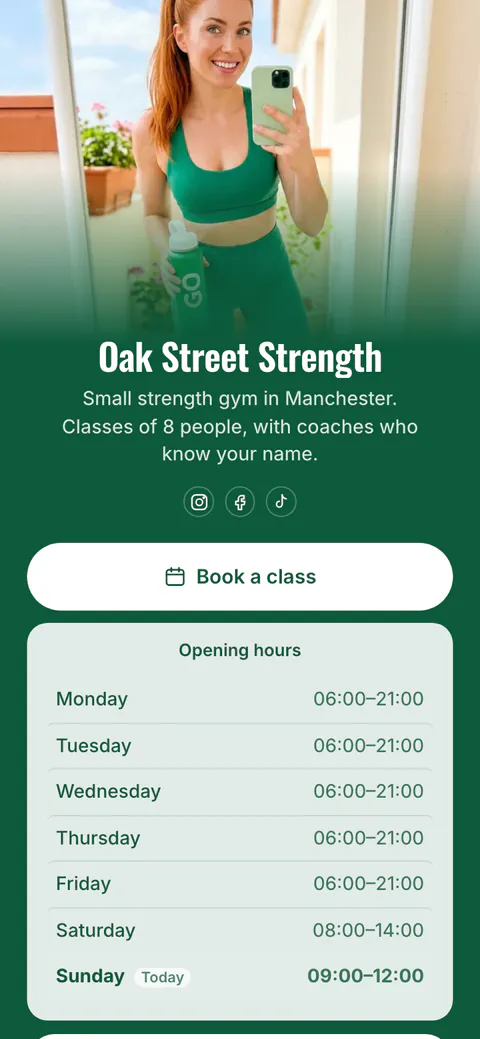
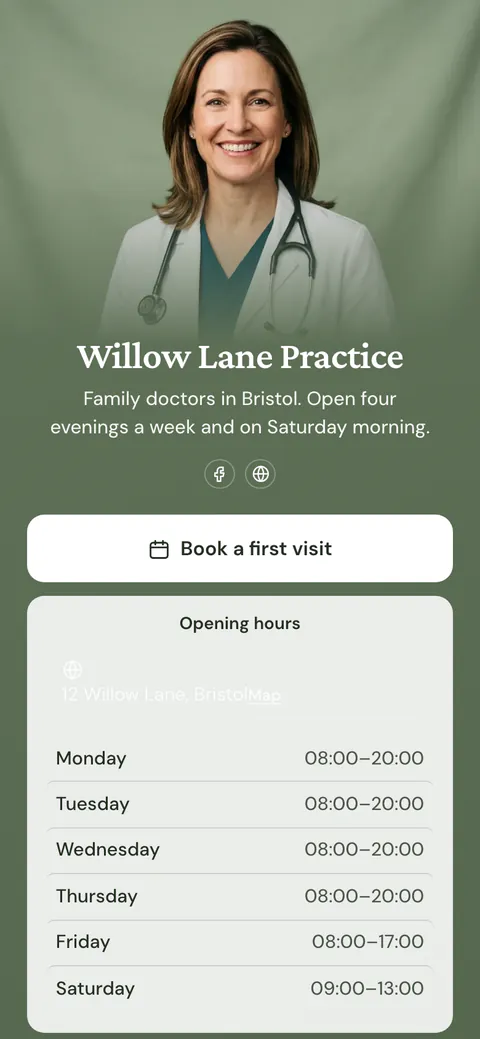
Start your page with this template
Type the name you want after more.you/ and create your account. Then change the words and photos to yours.
 more.you/yourname
Before you go
Put everything you share behind one link
More.You is a free link in bio page. No card needed.
- Start from a template made for your work
- Add links, products, bookings and events
- See how many people tap each link