Join this week and get Pro free for 6 monthsLiked the free tool? Get your own page with Pro freeMoving to More.You? Get Pro free for 6 monthsPick a template and get Pro free for 6 monthsTry every Pro feature free for 6 monthsPut it into practice with Pro free for 6 months
Get Pro freeSign upTemplatesSee all templatesPricing
Product
Page blocksLinks, products, bookings, events and opening hoursThemes and fonts15 colour themes, 31 fonts, buttons and backgroundsClick analyticsPage views, clicks on each link, countries and devicesLinktree importPaste your Linktree address and pick the links to bringResources
Link in bio for consultants
Proof of your work before the first call. More.You is a link in bio page for consultants. Possible clients read your case studies and how you work, then book a scoping call.
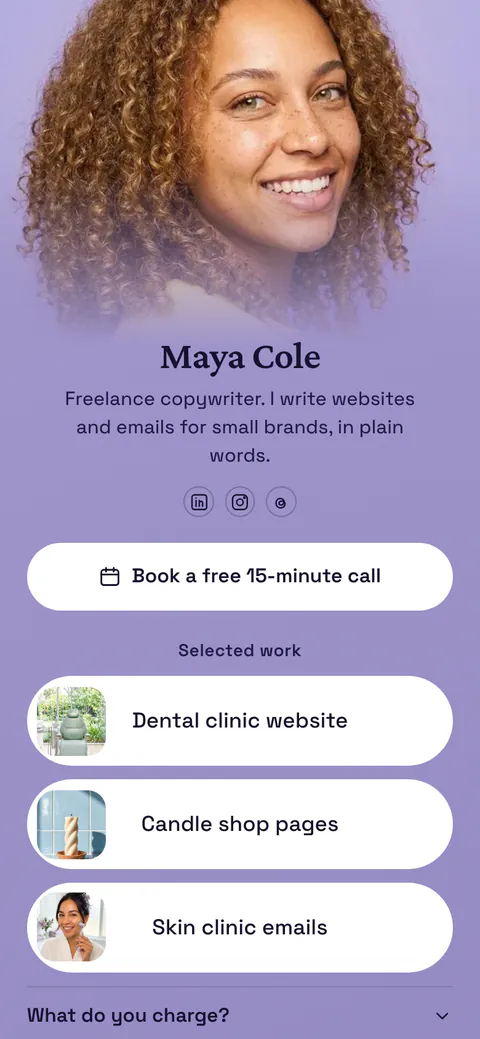
The blocks on a consultant's page
Before a business owner books a call, they want proof, a price model and a sense of how you think. Case studies give the proof. An FAQ explains how you charge. A guide shows your method, and the Book button opens your calendar.
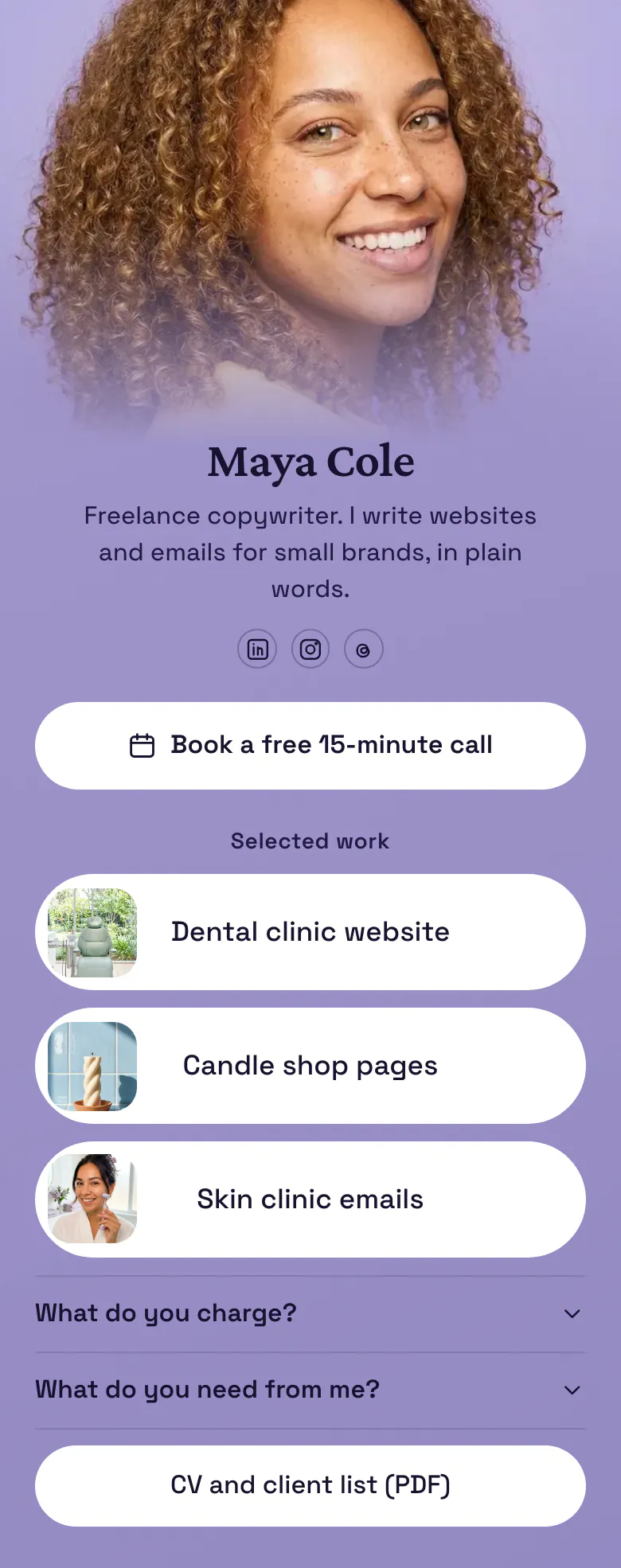
Scroll inside the phone to see the whole page.
- Collection
Case studies grouped in one place
A collection holds one link per case study. Each title names the result in plain words, like a stock count done in one day. One tap opens the full story on your website.
- Bookings
A scoping call in one tap
The bookings block opens the calendar page you use for client calls. Owners pick a time there and answer your intake questions before you meet.
- FAQ
How you charge, before anyone asks
Say if you work by the day, by the project or on a monthly retainer, and what the first step costs. Owners see early if you fit their budget.
- Links
A guide that shows your method
Link a short PDF guide from your website, such as a stock check list for shop owners. It shows how you work before the first meeting.
A consultant's page in three steps
Claim your name
Type the name you want after more.you/ and create your free account.
Choose a template or a blank page
Open the template gallery and choose a template, or start with a blank page. Set the background, button and text colours to your brand colours.
Add case studies, a call and a guide
Add a collection of case studies, a bookings block for scoping calls, an FAQ block on how you charge, your guide as a link and your next talk. Then publish.
On Pro, you lock a link with a code. A client types the code you send after the first call and opens your proposal. Pro is $5/month billed annually ($7 month to month). The Free plan includes collections, booking buttons, FAQs and links.
Questions from consultants
Is a link in bio useful for a consultant?
Yes, when clients find you on Instagram, LinkedIn or a podcast. Your bio link opens one page with your case studies, how you charge and a call button, in place of a long website menu.
How many case studies should I show?
Three or four is enough. Pick the ones closest to the clients you want next. Each title names the result, and the link opens the full story on your website.
Should I put my day rate on the page?
You choose. Some consultants write the day rate. Others write how they charge, such as a fixed price per project, and give the number on the call. An FAQ block holds either answer.
Can clients book a call from my bio?
Yes. A bookings block opens the booking page you use today in one tap. Clients pick a time there and answer your intake questions.
I give talks. Where do I list them?
Use an event block for each talk with the date, the event name and the city. Its button opens the event's own page. Remove the talk after the date.
What does a consultant's page cost?
Nothing on the Free plan. You get one page with collection, bookings, FAQ and event blocks. No card is required.
Pages for similar work
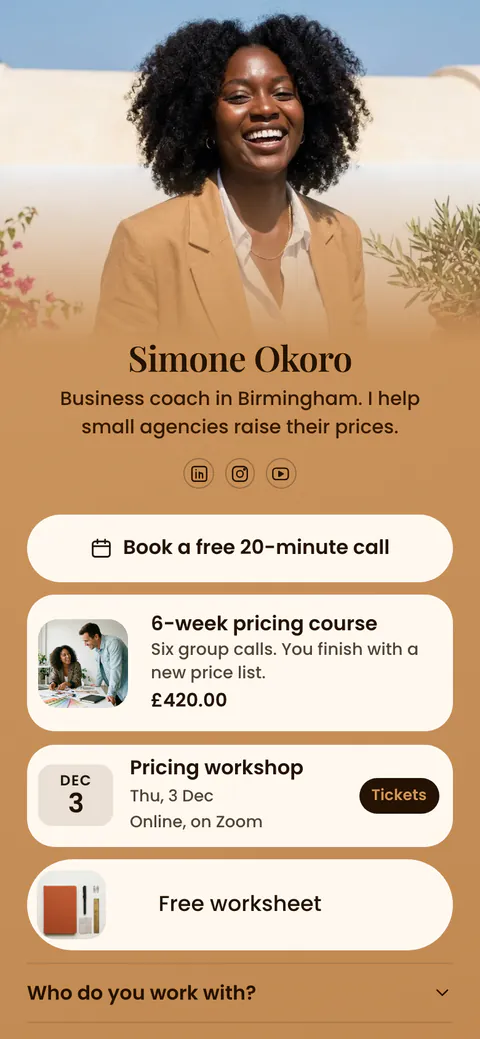 Link in bio for coachesDiscovery calls, your programme and workshop dates.
- Link in bio for freelancersA portfolio, rates and process, and a discovery call booking.
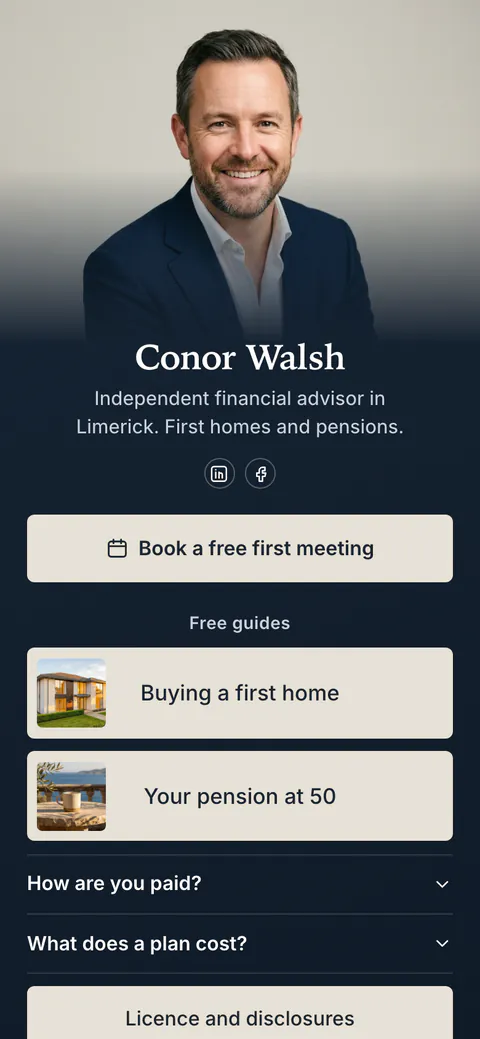 Link in bio for financial advisorsFirst meeting booking, plain guides and how you are paid.
Guides: Entrepreneur Bio: 24 Examples for Instagram, LinkedIn, X.
Show your case studies before the first call
Claim your name, and add your case studies, your guide and a link to your booking page.
 more.you/yourname
Before you go
Put everything you share behind one link
More.You is a free link in bio page. No card needed.
- Start from a template made for your work
- Add links, products, bookings and events
- See how many people tap each link