Join this week and get Pro free for 6 monthsLiked the free tool? Get your own page with Pro freeMoving to More.You? Get Pro free for 6 monthsPick a template and get Pro free for 6 monthsTry every Pro feature free for 6 monthsPut it into practice with Pro free for 6 months
Get Pro freeSign upTemplatesSee all templatesPricing



Product
Page blocksLinks, products, bookings, events and opening hoursThemes and fonts15 colour themes, 31 fonts, buttons and backgroundsClick analyticsPage views, clicks on each link, countries and devicesLinktree importPaste your Linktree address and pick the links to bringResources
TemplatePlain words
Link in bio template for freelancers
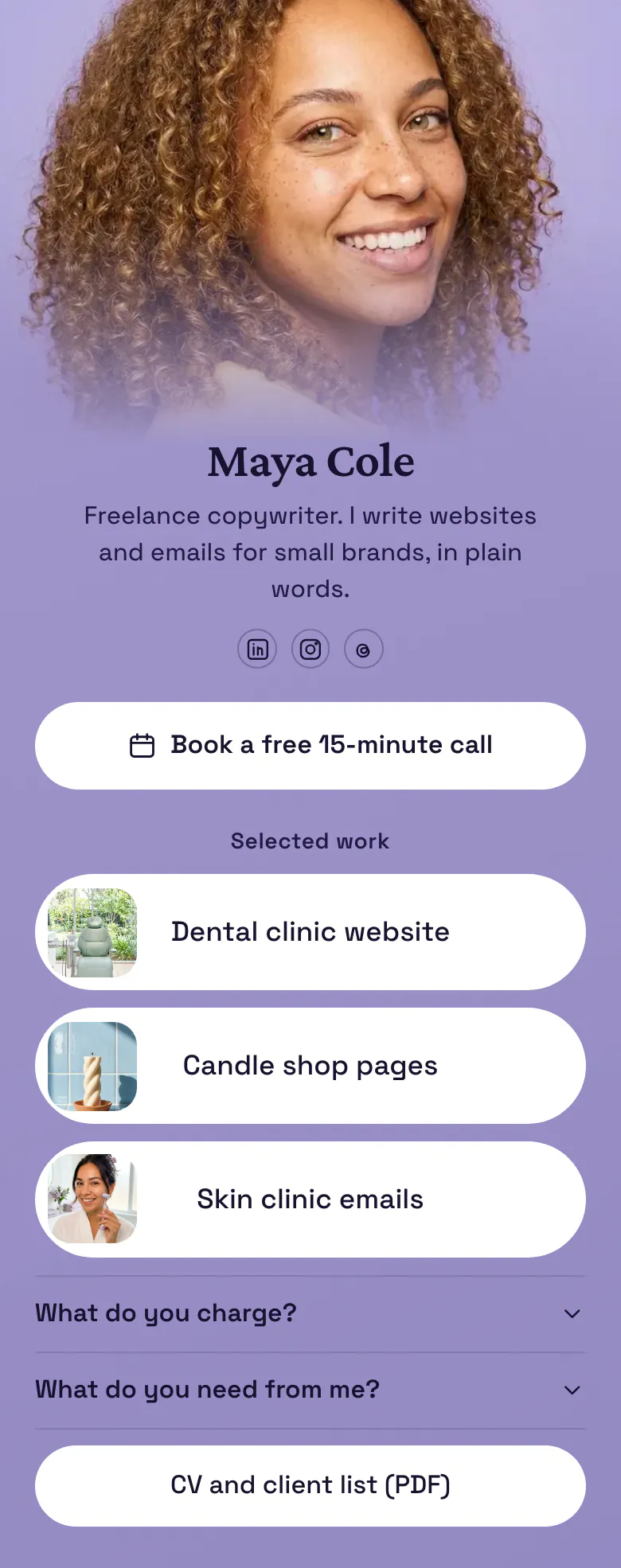
A possible client decides fast, so 'Book a free 15-minute call' is the first button. Three pieces of selected work, each with a picture, support the claim in the bio line. Rates and a CV end the page for the careful reader.
A freelancer's bio link, block by block
Freelancers should put these in their link in bio, in order: a button to book a short first call, three pieces of selected work with pictures, an answer about rates, an answer about what they need from a client, and a CV or client list. A client wants proof and a price before they write to you, and this order gives both.
What is on this page
- Name and bioMaya ColeFreelance copywriter. I write websites and emails for small brands, in plain words.
- Social iconsLinkedIn, Instagram, Threads
- BookingBook a free 15-minute call
'Book a free 15-minute call' opens the booking service you already use. A short call is a small step for a new client.
- Section titleSelected work
'Selected work' is a small heading. It tells a visitor that the three buttons under it are finished projects.
- Featured linkDental clinic website
Each project is a button with a picture, named by client type and job, like 'Dental clinic website'.
- Featured linkCandle shop pages
- Featured linkSkin clinic emails
- FAQWhat do you charge?2 questions
'What do you charge?' and 'What do you need from me?' open on a tap, before a client has to ask by email.
- LinkCV and client list (PDF)
'CV and client list (PDF)' is last, for the client who checks your background before a call.
Who it is for
Solo freelancers who sell a service by the project: copywriters, editors, translators, developers and consultants who find clients on LinkedIn, Instagram or Threads. It works once you have three finished projects to show. If your work is visual, like posters or brand design, start from the template for designers, which has a gallery.
How to make it yours
Pick Plain words
Choose Plain words in the template gallery. A call button, a 'Selected work' heading, three project buttons, two questions and a CV link are ready for your details.
Show three real projects
Replace Maya's name, photo and bio line. Paste your booking link, add three projects with a picture each, and write your real rates in the first FAQ answer.
Publish and share on LinkedIn
Publish, then add more.you/yourname to your LinkedIn, Instagram and Threads profiles. Put the address in your email signature and in your proposals too.
- Name each project by the client's business and the job, like 'Skin clinic emails'. A new client searches for work that looks like their own.
- Write real numbers in the answer to 'What do you charge?'. Calls then go to clients whose budget fits, and you stop sending the same price email.
- Keep three projects and replace the oldest when you finish a better one. Three strong pieces are read, and a long list is skipped.
Questions
What should a freelancer put in their link in bio?
Give clients a way to talk to you first, such as a free call button. Under it, show three projects with pictures, then answer the price question and explain what you need to start. A CV or client list at the end helps the client who must present you to a manager.
Should freelancers show their rates in their bio link?
Yes, at least a starting price or a range. The sample answers 'What do you charge?' inside the FAQ, so the number is one tap away and does not fill the page. Clients with a matching budget book the call, and the others do not use your time.
Can a link in bio page work as a freelance portfolio?
It can, for a first look. Three project buttons with pictures under a 'Selected work' heading show what you do, and each one opens the full piece on your site or in a shared file. A client sees your work, your rates and your call button on one page.
Is the freelancer template free, and can I change the lilac design?
Both answers are yes. A More.You page costs nothing to create and publish. You can change the lilac background, the white buttons and the text to your own colours, choose from 31 fonts, and use your own photo as the cover.
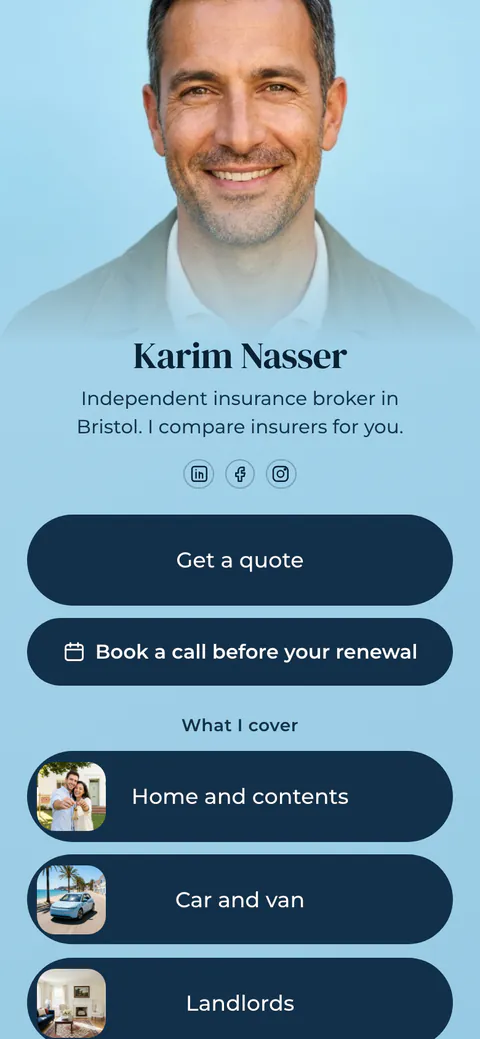
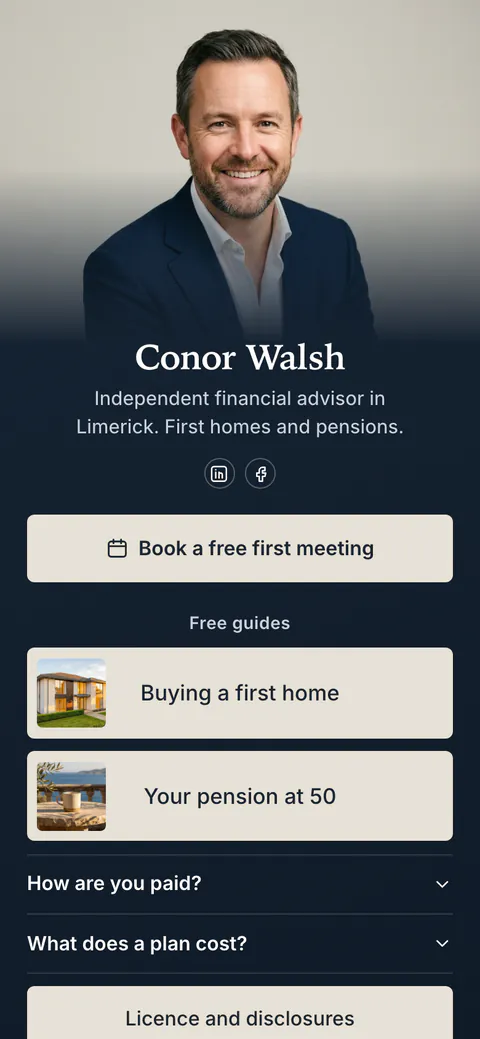
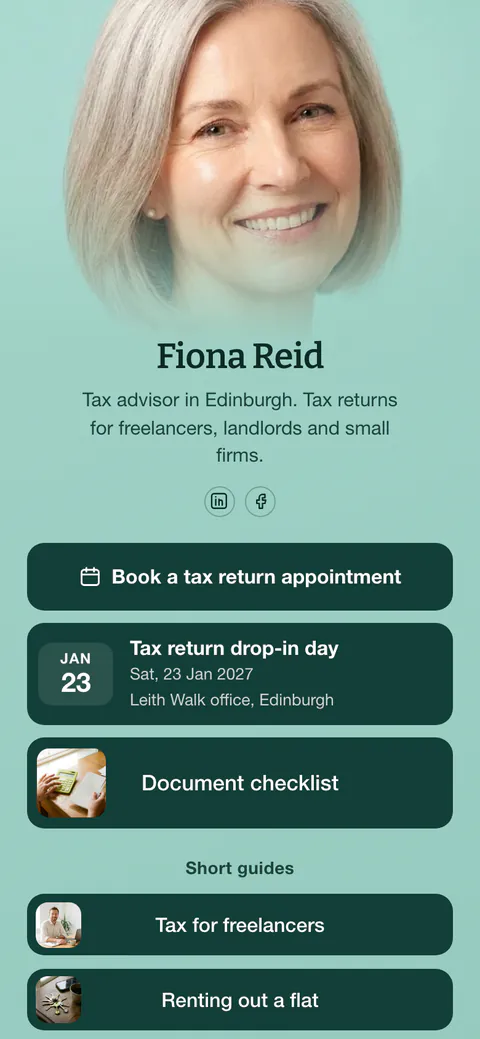
Start your page with this template
Type the name you want after more.you/ and create your account. Then change the words and photos to yours.
 more.you/yourname
Before you go
Put everything you share behind one link
More.You is a free link in bio page. No card needed.
- Start from a template made for your work
- Add links, products, bookings and events
- See how many people tap each link