Join this week and get Pro free for 6 monthsLiked the free tool? Get your own page with Pro freeMoving to More.You? Get Pro free for 6 monthsPick a template and get Pro free for 6 monthsTry every Pro feature free for 6 monthsPut it into practice with Pro free for 6 months
Get Pro freeSign upTemplatesSee all templatesPricing



Product
Page blocksLinks, products, bookings, events and opening hoursThemes and fonts15 colour themes, 31 fonts, buttons and backgroundsClick analyticsPage views, clicks on each link, countries and devicesLinktree importPaste your Linktree address and pick the links to bringResources
Free tool
Link preview checker
The card people see before they tap your link, in eight apps.
Try
Share cardsExample
https://more.you
4/4Main tags found
1200×630Image size
iMessage
X
From
Slack
Discord
Telegram
Each app draws its own card and changes it from time to time. These cards follow each app's layout in November 2026.
What to fix
Tags on the page
Tags to paste in your page head
Changed your tags? Clear the old card
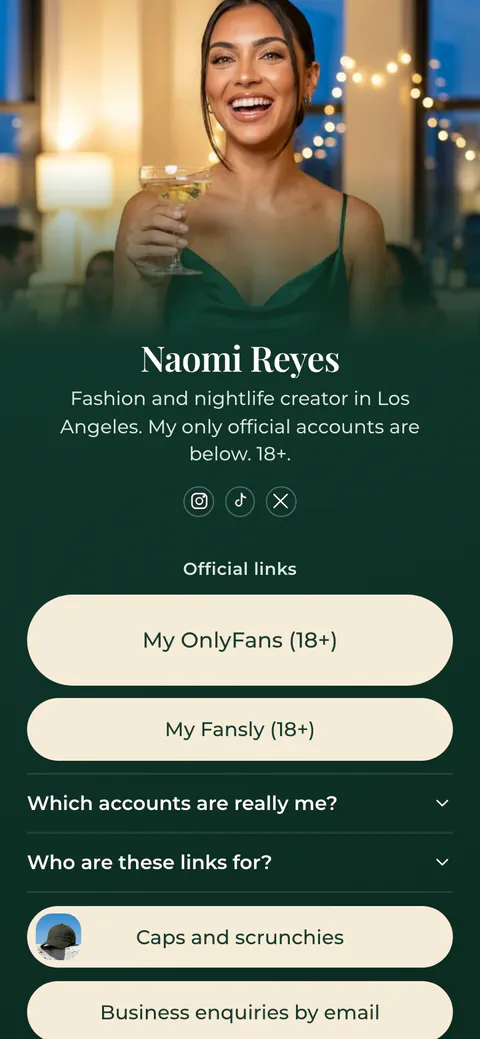
Every More.You page has its own share card: a 1200 × 630 picture with your photo, your name and your address.
Create your pageWhat a link preview checker does
When you paste a link into a chat or a post, the app opens the page, reads a few tags in its HTML and draws a card: a picture, a title, a line of text and the site name. A link preview checker reads the same tags and shows you that card before you share the link, so you can fix a missing picture or a wrong title first.
Most apps read Open Graph tags: og:title, og:description, og:image and og:url. X reads its own twitter: tags and uses the Open Graph ones when they are missing, but it shows a large picture only when twitter:card says summary_large_image. Discord follows the same rule. If no tags are found, many apps show the bare address.
The checker reads the page the way the apps do: it loads the HTML the server sends and does not run JavaScript. Tags that a script adds after the page loads are invisible to most apps, so they are invisible here too. You can also paste HTML to test a page before it goes live.
How to check a link preview
Paste the address
Paste the page you plan to share. The checker reads it and draws the card for each app.
Read each card
Look at the picture, the title and the text in WhatsApp, iMessage, Facebook, X, LinkedIn, Slack, Discord and Telegram.
Fix what is marked
Each problem says what to change. Copy the tags at the bottom and paste them into your page head.
Clear the old card
Apps keep a copy of the card. Run the address through the Facebook, LinkedIn and Discord tools to fetch it again.
Share image rules in each app
One image at 1200 × 630 pixels, under 600 KB, works in every app below.
| App | Image size | Other rules |
|---|---|---|
| At least 1200 × 630, ratio 1.91:1. Smallest 200 × 200, and 600 × 315 for a large card. | Up to 8 MB. Facebook keeps images by address, so give a new picture a new address. | |
| X | Ratio 2:1 for a large card, from 300 × 157 to 4096 × 4096. | Under 5 MB. Without twitter:card, X shows a small card. |
| 1200 × 627, ratio 1.91:1. | Up to 5 MB. An image 200 pixels wide or less shows as a thumbnail. | |
| At least 300 pixels wide, ratio up to 4:1. | Under 600 KB. og:title, og:description and og:url must be in the head. | |
| iMessage | At least 900 pixels wide. | The page up to 1 MB, images and icons up to 10 MB together. No JavaScript. |
| Discord | A large picture needs twitter:card set to summary_large_image. | No JavaScript. The page must load within 10 seconds. |
| Slack | No size published. | Reads Open Graph and X card tags. |
Sources: Meta, images in link shares, X, summary card with large image (archived copy), LinkedIn, images in shared links, LinkedIn, Page image sizes, WhatsApp, link previews, Apple, rich previews for Messages, Discord, link previews, Slack, unfurling links. Checked 17 November 2026.
On your More.You page
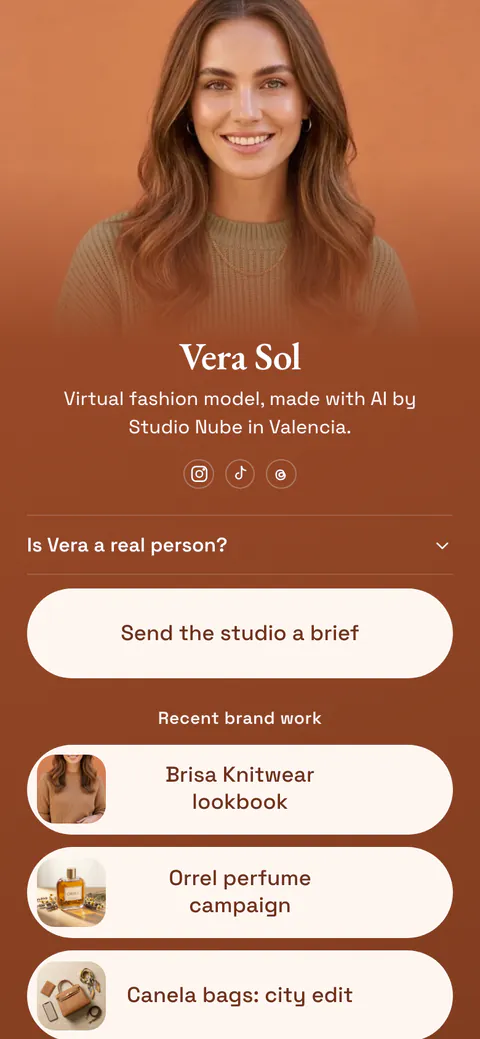
A page that looks right when you share it
Claim your free page. It comes with a share card and a QR code, so your link has a picture in chats, posts and print.
Link preview questions
Why does my link show the wrong image?
There are four usual reasons. The page has two og:image tags and the apps take the first one. The image address is not a full address that starts with https://. A script adds the tags after the page loads, so the apps never see them. Or the app still shows an old copy of the card. The checker marks the first three.
How do I refresh a link preview?
Each app keeps its own copy of the card. Paste the address into the Facebook Sharing Debugger and press Scrape Again, and use LinkedIn Post Inspector and the Discord embed debugger the same way. X keeps cards for up to seven days. WhatsApp has no tool, so test the link in a new message.
What size should a link preview image be?
Use 1200 × 630 pixels, ratio 1.91:1, as a JPG or PNG under 600 KB. Facebook asks for at least 1200 × 630, LinkedIn for 1200 × 627, and WhatsApp for an image under 600 KB. X crops large cards to 2:1, so keep the main subject and any words in the middle of the picture.
Do I need Twitter tags if I have Open Graph tags?
You need one: twitter:card. X reads og:title, og:description and og:image when its own tags are missing, so you do not have to repeat them. Without twitter:card, X shows a small card. Set it to summary_large_image to get a large picture on X, and on Discord too.
Why does WhatsApp show my link with no preview?
WhatsApp needs og:title, og:description and og:url in the head, and the head must sit in the first 300 KB of the page. The image must be a full address, at least 300 pixels wide, no wider than 4:1 and under 600 KB. A large photo straight from a camera often breaks the size rule.
The checker finds no tags, but I can see them in my browser. Why?
Your browser runs the page's JavaScript, and the apps that draw cards mostly do not. If a script adds the tags, they are missing from the HTML the server sends, and the apps see a page without tags. Add the tags on the server, or in the page template, so they arrive with the first HTML.
Is the link preview checker free, and what is stored?
It is free with no account. To read another site, the checker fetches the page from our server, because a browser cannot read another site for you. The page and the result are not stored. Pasted HTML is read in your browser and never sent. You can run 10 checks a minute and 60 an hour.
 more.you/yourname
Before you go
Put everything you share behind one link
More.You is a free link in bio page. No card needed.
- Start from a template made for your work
- Add links, products, bookings and events
- See how many people tap each link