Join this week and get Pro free for 6 monthsLiked the free tool? Get your own page with Pro freeMoving to More.You? Get Pro free for 6 monthsPick a template and get Pro free for 6 monthsTry every Pro feature free for 6 monthsPut it into practice with Pro free for 6 months
Get Pro freeSign upTemplatesSee all templatesPricing



Product
Page blocksLinks, products, bookings, events and opening hoursThemes and fonts15 colour themes, 31 fonts, buttons and backgroundsClick analyticsPage views, clicks on each link, countries and devicesLinktree importPaste your Linktree address and pick the links to bringResources
TemplateVirtual muse
Link in bio template for AI influencers
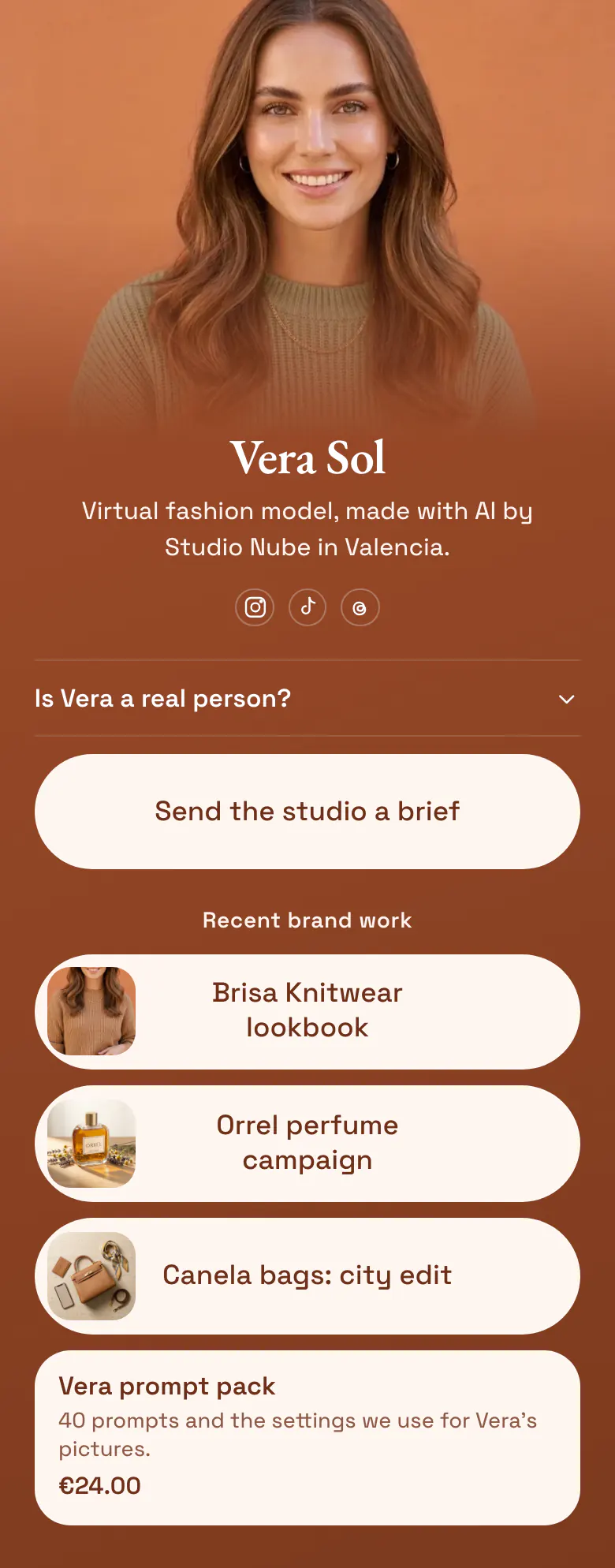
The first block is a question, 'Is Vera a real person?', because followers and brands ask it before anything else. A brief button for brands comes next. Recent campaigns appear as picture cards, and a prompt pack with a price closes the page.
The honest bio link for an AI influencer
An AI influencer's link in bio needs, in order: a plain statement that the character is made with AI, the name of the studio or person behind it, a way for brands to send a brief, recent brand work with pictures, and one product. Disclosure comes first because it is the first question that new followers and brands have about a virtual model.
What is on this page
- Name and bioVera SolVirtual fashion model, made with AI by Studio Nube in Valencia.
- Social iconsInstagram, TikTok, Threads
- FAQIs Vera a real person?
A visitor taps 'Is Vera a real person?' and reads a plain answer, before any button asks for anything.
- Featured linkSend the studio a brief
The brief button gives brands one way to reach the studio. The three campaign cards under it each open a finished project.
- Section titleRecent brand work
'Recent brand work' tells a brand manager that the next cards are finished, paid projects.
- Featured linkBrisa Knitwear lookbook
- Featured linkOrrel perfume campaign
- Featured linkCanela bags: city edit
- ProductVera prompt pack€24.00
'40 prompts and the settings we use for Vera's pictures' says what €24.00 buys. The purchase happens in the studio's own store.
Who it is for
Made for a studio or a solo maker who runs one virtual character on Instagram, TikTok or Threads and takes paid work from brands. The character has a name, a look and a few campaigns to show. If you post as yourself and film products for brands, start from the template for UGC creators instead.
How to make it yours
Start with Virtual muse
Choose Virtual muse if your character has a face, a name and a studio behind her. The honest answer and the brief button are already at the top.
Write your character's answer
Replace Vera's portrait, name and bio line. Rewrite the answer about a real person in your own words, then add each campaign with one picture.
Use one address everywhere
Once you publish, the character's Instagram, TikTok and Threads bios all get the same address, more.you/yourname. Put it in your emails to brands too.
- Say who made the character in the bio line itself, as the sample does with 'made with AI by Studio Nube'. Some visitors read no further.
- Name each campaign card after the brand and the job, such as 'Orrel perfume campaign'. A brand manager looks for work like their own.
- Keep 'Send the studio a brief' above the portfolio. A brand manager who already knows the character from Instagram came for the form and can skip the campaigns.
Questions
What should an AI influencer put in their link in bio?
Put disclosure first. One line or one open question should say that the character is virtual and name who made her. After that, give brands a button to send a brief, show finished campaigns with pictures, and add one product, such as a prompt pack.
Should an AI influencer say it is AI in the bio?
State it in the bio line and again on the page. Followers ask in comments, brands ask in the first email, and social platforms have their own rules for labelling AI content. A plain question near the top, such as 'Is Vera a real person?', lets you answer before anyone has to ask.
How do brands contact an AI influencer for a campaign?
Give brands one button that opens your brief form, and name it for the action, such as 'Send the studio a brief'. Place that button above your past campaigns. In the form, ask for the product, the number of pictures and the deadline, so your first reply can include a price.
Can I change the colours and fonts of this AI influencer template?
Yes. The terracotta of the sample can become your character's own palette, because you choose the colours of the background, the buttons and the text. There are 31 fonts, and the character's name can have its own font. A virtual influencer's page is free to create and publish.
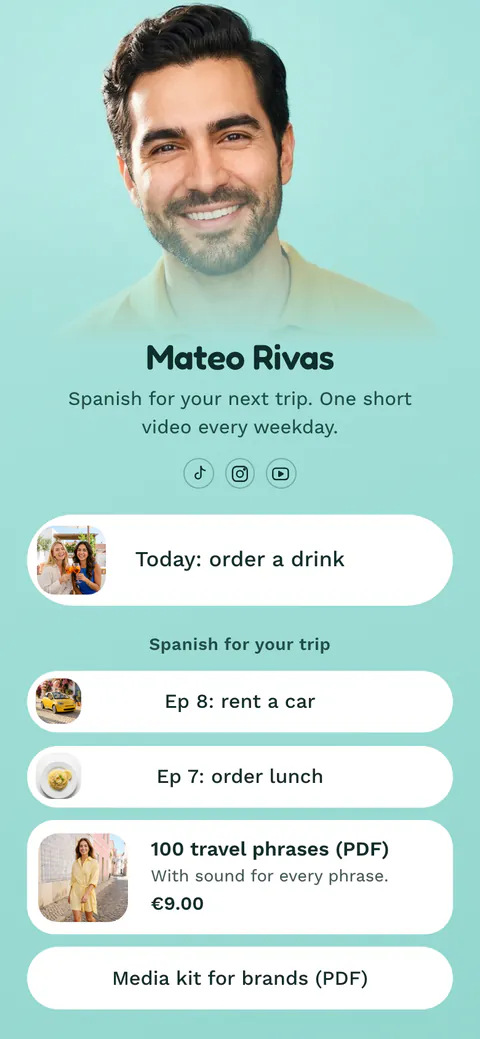
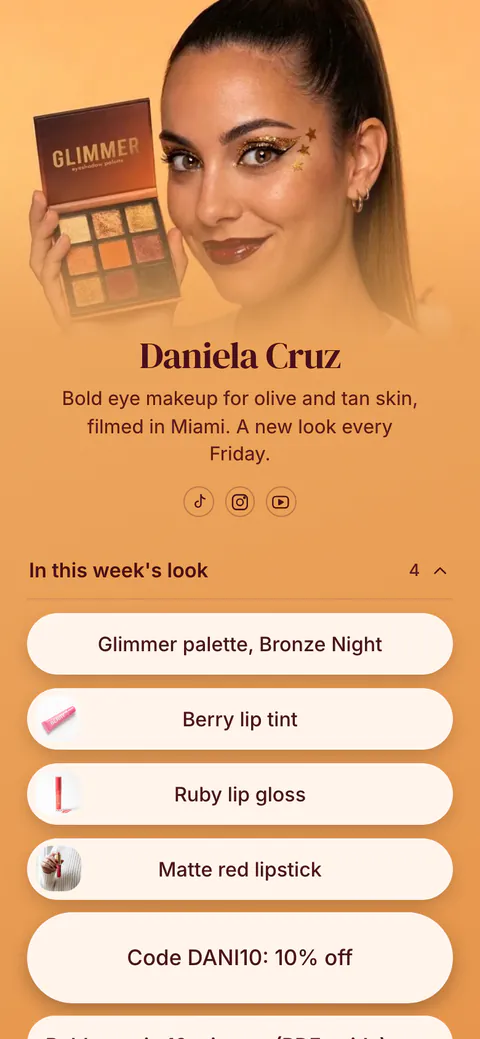
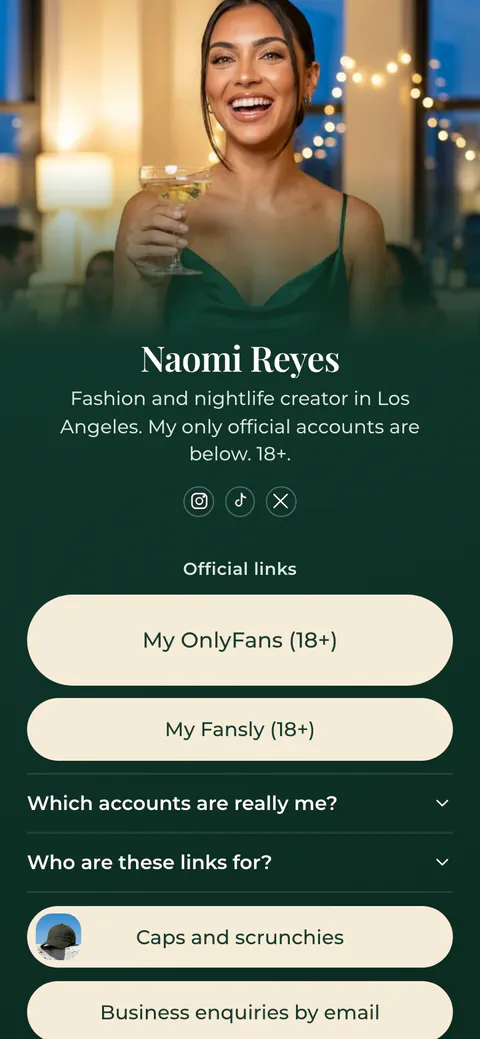
Start your page with this template
Type the name you want after more.you/ and create your account. Then change the words and photos to yours.
 more.you/yourname
Before you go
Put everything you share behind one link
More.You is a free link in bio page. No card needed.
- Start from a template made for your work
- Add links, products, bookings and events
- See how many people tap each link