Join this week and get Pro free for 6 monthsLiked the free tool? Get your own page with Pro freeMoving to More.You? Get Pro free for 6 monthsPick a template and get Pro free for 6 monthsTry every Pro feature free for 6 monthsPut it into practice with Pro free for 6 months
Get Pro freeSign upTemplatesSee all templatesPricing



Product
Page blocksLinks, products, bookings, events and opening hoursThemes and fonts15 colour themes, 31 fonts, buttons and backgroundsClick analyticsPage views, clicks on each link, countries and devicesLinktree importPaste your Linktree address and pick the links to bringResources
TemplateLong view
Link in bio template for financial advisors
The first button is for a free first meeting. Two guides with a picture each sit under it, and then the question new clients think about most, “How are you paid?”. People want that answer before they share their numbers.
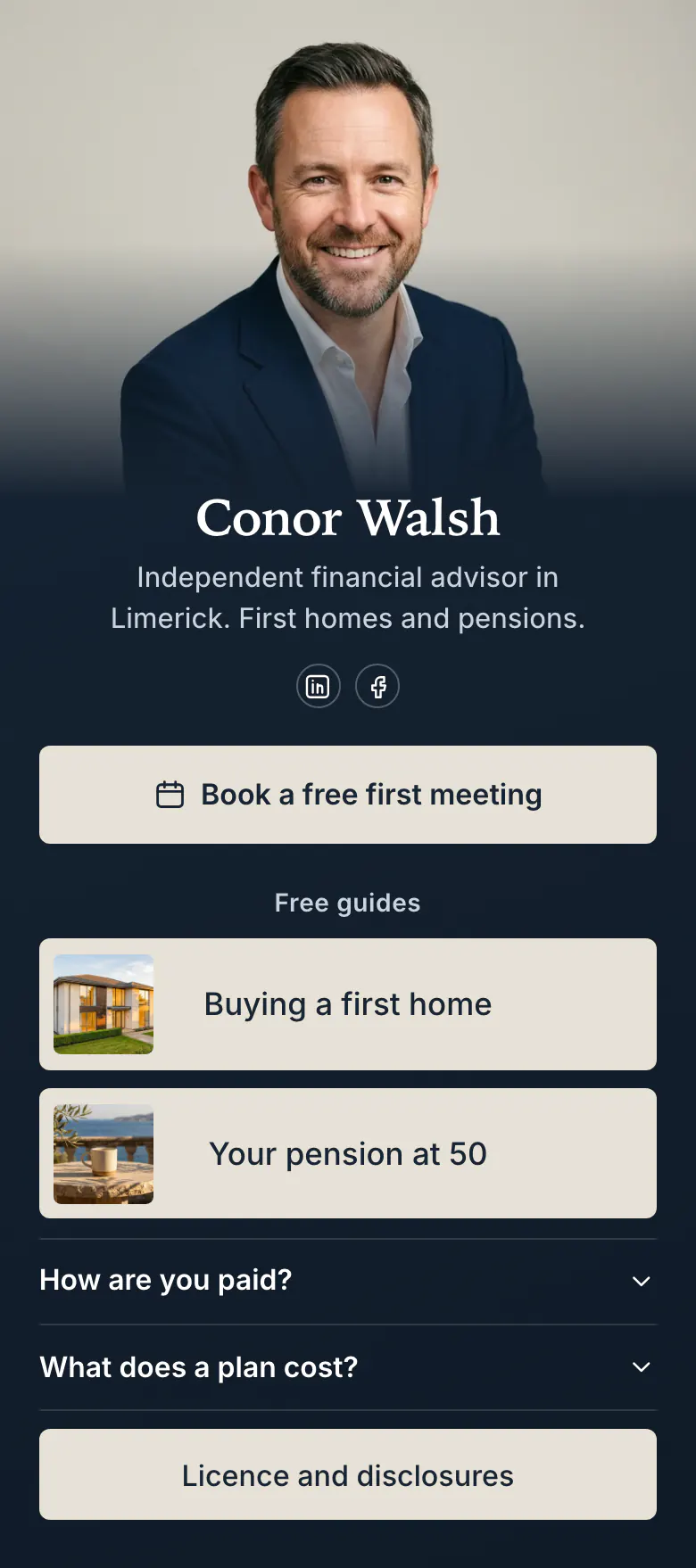
The short list for a financial advisor's bio link
In a financial advisor's link in bio, put a button to book a first meeting first, then one or two free guides, a plain answer on how you are paid and a link to your licence and disclosures. People choose an advisor they can check, and these blocks let a stranger check you before the first call.
What is on this page
- Name and bioConor WalshIndependent financial advisor in Limerick. First homes and pensions.
- Social iconsLinkedIn, Facebook
- BookingBook a free first meeting
“Book a free first meeting” puts the price in the button. A tap opens your booking service, where the client chooses a time.
- Section titleFree guides
A small heading, “Free guides”, separates the things to read from the thing to book.
- Featured linkBuying a first home
A house for “Buying a first home”, a sea view for “Your pension at 50”. A reader not ready to meet starts with a guide.
- Featured linkYour pension at 50
- FAQHow are you paid?2 questions
“How are you paid?” and “What does a plan cost?” open on a tap. Answer both with real amounts or percentages.
- LinkLicence and disclosures
The last button opens your licence and disclosure page, where a careful client checks who regulates you.
Who it is for
Independent financial planners, mortgage brokers and small advice firms whose clients first see them on LinkedIn, Facebook or in short videos about mortgages and pensions. It suits an advisor with one clear subject, such as first homes or retirement. If your main work is policies and claims, start from the template for insurance brokers. For tax returns, use the one for tax advisors.
How to make it yours
Open the advisor template
The meeting button, two guides and two questions are ready when you press Use this template. The order is set, and only the words need to change.
Write your own answers
Put your name, your photo and your own guide titles in place of Conor's. Then answer “How are you paid?” in the words you use in a first meeting, with the amount or the percentage.
Share it where clients are
Publish, then add the link to your LinkedIn profile, your Facebook page and your Instagram bio. Mention it at the end of every video you post about mortgages or pensions.
- One life moment makes a good guide title, like “Buying a first home” or “Your pension at 50”. A reader knows immediately if it is about them.
- Keep the licence link as the last block and never remove it. Some clients search the regulator's register for your name before a first meeting.
- When interest rates change or a tax year ends, move the guide on that subject above the other. Clients look for an advisor in the week the news reaches them.
Questions
What should a financial advisor put in their link in bio?
Start with a button to book a first meeting, then add one or two free guides, how you are paid and a link to your licence details. Money is private, and people watch an advisor for some time before they write. The guides give them something to read while they decide.
Should a financial advisor explain how they are paid on a bio page?
Yes, and high on the page. “How are you paid?” is what a new client wants to know first, and many never ask it aloud. The sample page answers it in an FAQ block beside “What does a plan cost?”. Say plainly if the client pays you or if a lender or insurer pays you commission.
Where do I put my licence number and disclosures?
Put them behind one link at the end of the page. The sample has a button called “Licence and disclosures” that opens the full text on the advisor's website. The legal text stays complete there, and the bio page stays short enough to read on a phone.
Does this template cost anything, and can I change the dark blue?
It costs nothing to create and publish, and the Free plan includes every block type used here. The dark blue and the cream buttons are a starting point. You set your own background, button and text colours, and you can replace the cover photo and the font.
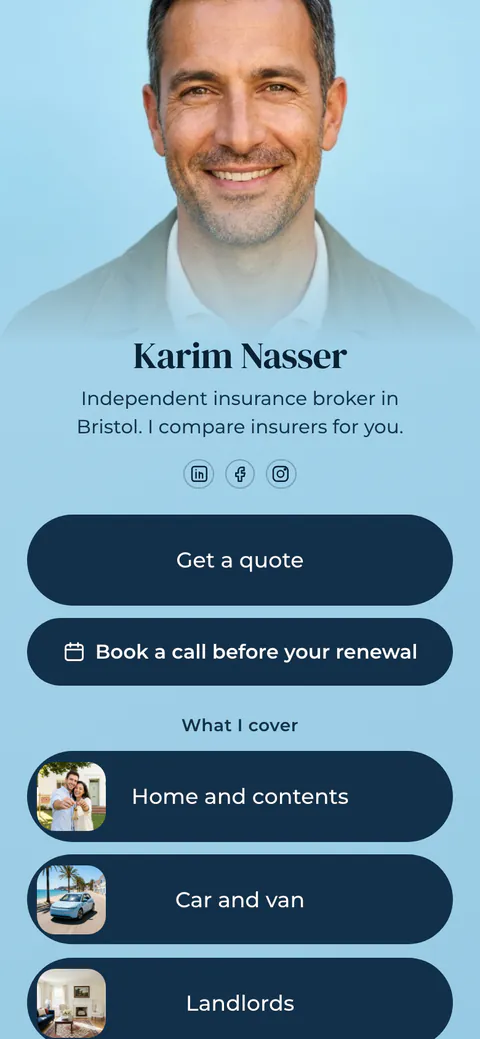
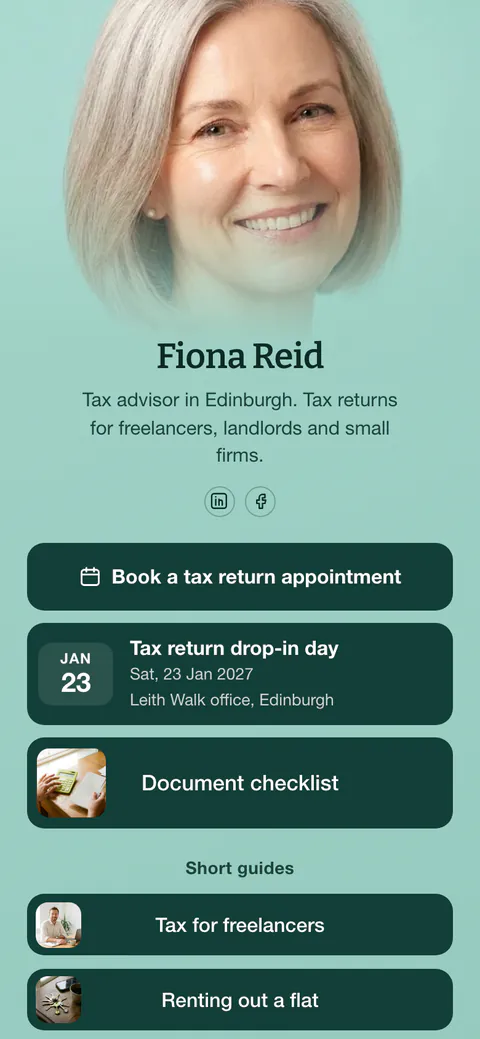
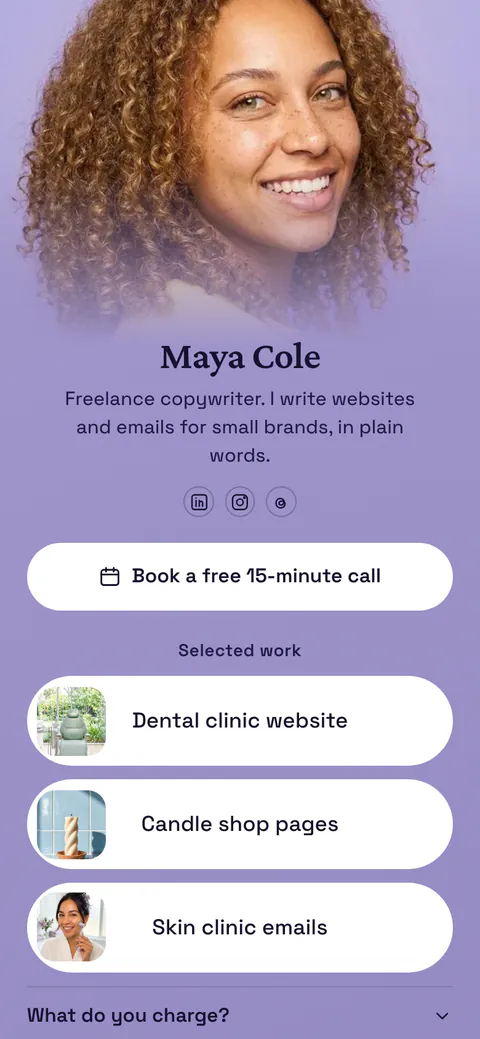
Start your page with this template
Type the name you want after more.you/ and create your account. Then change the words and photos to yours.
 more.you/yourname
Before you go
Put everything you share behind one link
More.You is a free link in bio page. No card needed.
- Start from a template made for your work
- Add links, products, bookings and events
- See how many people tap each link