Join this week and get Pro free for 6 monthsLiked the free tool? Get your own page with Pro freeMoving to More.You? Get Pro free for 6 monthsPick a template and get Pro free for 6 monthsTry every Pro feature free for 6 monthsPut it into practice with Pro free for 6 months
Get Pro freeSign upTemplatesSee all templatesPricing



Product
Page blocksLinks, products, bookings, events and opening hoursThemes and fonts15 colour themes, 31 fonts, buttons and backgroundsClick analyticsPage views, clicks on each link, countries and devicesLinktree importPaste your Linktree address and pick the links to bringResources
TemplateDue date
Link in bio template for tax advisors
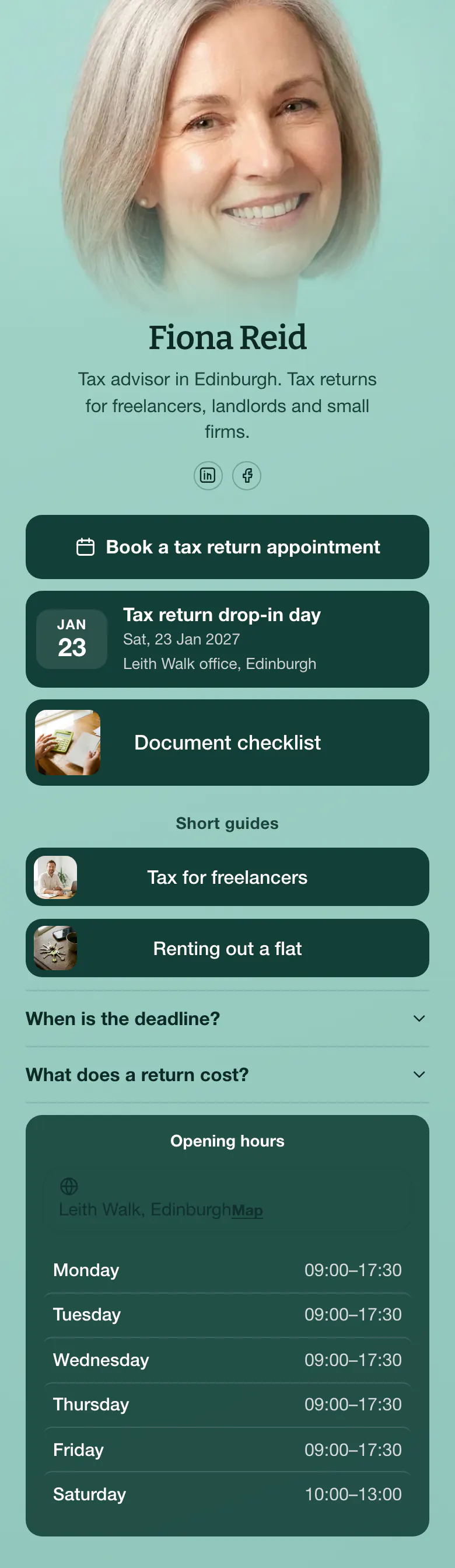
Before a deadline, a client wants a date, so 'Book a tax return appointment' is the first button on this page. The drop-in day on 23 Jan and the document checklist follow, and people arrive with the right papers.
A tax advisor's bio link in deadline season
The first thing on a tax advisor's link in bio is a booking button, followed by dates such as a drop-in day, a checklist of documents to bring, short guides for each client type, answers on deadline and cost, and office hours. Each client arrives with one urgent question before a deadline, and each block answers one before they phone.
What is on this page
- Name and bioFiona ReidTax advisor in Edinburgh. Tax returns for freelancers, landlords and small firms.
- Social iconsLinkedIn, Facebook
- BookingBook a tax return appointment
Most visitors come for one thing, an appointment. The first button opens the booking service your practice already uses.
- EventTax return drop-in day23 Jan, Leith Walk office, Edinburgh
'Tax return drop-in day' shows 23 Jan and the Leith Walk office, for clients who prefer to walk in.
- Featured linkDocument checklist
'Document checklist' has a picture and more height than the guides. Clients who read it bring the right papers.
- Section titleShort guides
'Short guides' divides the page. Above it are things to do, under it are things to read.
- LinkTax for freelancers
'Tax for freelancers' and 'Renting out a flat' are each written for one client type, so a visitor chooses their own guide.
- LinkRenting out a flat
- FAQWhen is the deadline?2 questions
The deadline and the cost of a return, the two things clients phone about most, are answered here in a few lines each.
- Opening hoursMonday to SaturdayLeith Walk, Edinburgh
Hours for Monday to Saturday close the page. Today's row is marked, so a client checks the right day before a visit.
Who it is for
Sole advisors and small practices that prepare returns for freelancers, landlords and small firms. Clients reach you through LinkedIn, Facebook or local search, visit one office with set hours, and all write in the same busy weeks. A larger firm with a team to introduce should start from the template for accounting firms.
How to make it yours
Choose Due date
Pick Due date as the start of your More.You page. The appointment button is already first, with a drop-in event and a checklist under it for the weeks before a deadline.
Add your practice details
Paste the link to your booking service, set your own drop-in date and office hours, and link your checklist. Write the deadline answer for your country and your clients.
Share it where clients look
After you publish, add more.you/yourname to your LinkedIn profile, your Facebook page and your email signature. Send the address with every appointment reminder.
- In the last weeks before a deadline, move the drop-in day to the top. Clients who are late look for a day to walk in.
- Name each guide after the client, not the tax. 'Tax for freelancers' is clearer to a visitor than a title with a form number.
- Write the cost answer as a starting price or a range. People who find no number at all often call another advisor.
Questions
What should a tax advisor put in their link in bio?
Begin with a way to book a tax return appointment. Then show the dates that matter this season, a list of documents clients must bring, and a few short guides for the people you serve. Close with answers on the deadline and your prices, and the hours your office is open.
How do tax advisors get clients from LinkedIn and Facebook?
Post short, useful answers about deadlines and common mistakes, and send readers to one page where they can act. A bio link with an appointment button and a document checklist gives each reader a next step. The sample page puts both above its short guides.
Should I put the price of a tax return on my page?
Yes, give at least a starting price for a standard return. Cost is one of the two questions on this sample page, next to the deadline, because clients ask it before they book. A clear answer also saves you calls from people outside your price range.
Is the page free, and can I use my firm's colours?
Yes, the page is free to create and publish, and the colours are yours to set. Opening hours, booking and every other block type are part of the Free plan on More.You. Fiona's page is mint green with dark green buttons. Change the background, the buttons and the text to your firm's colours.

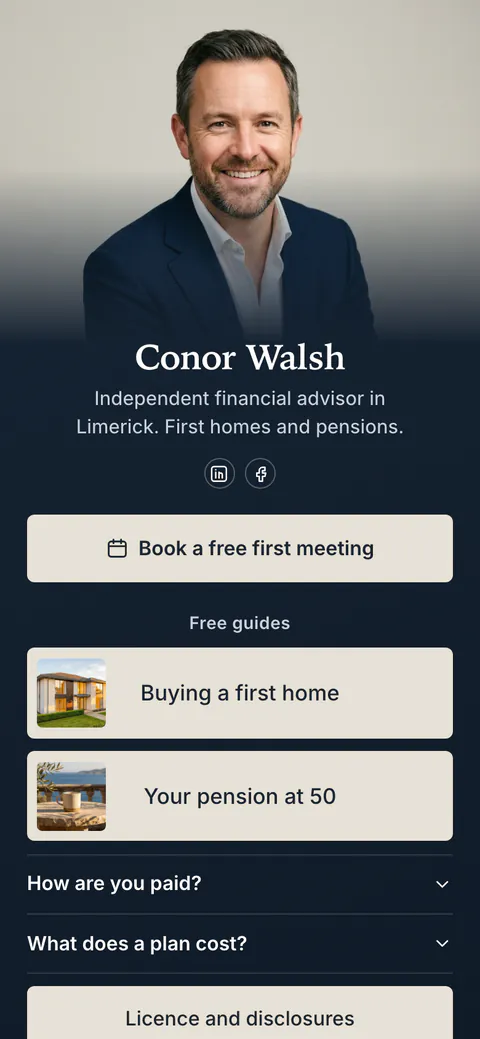
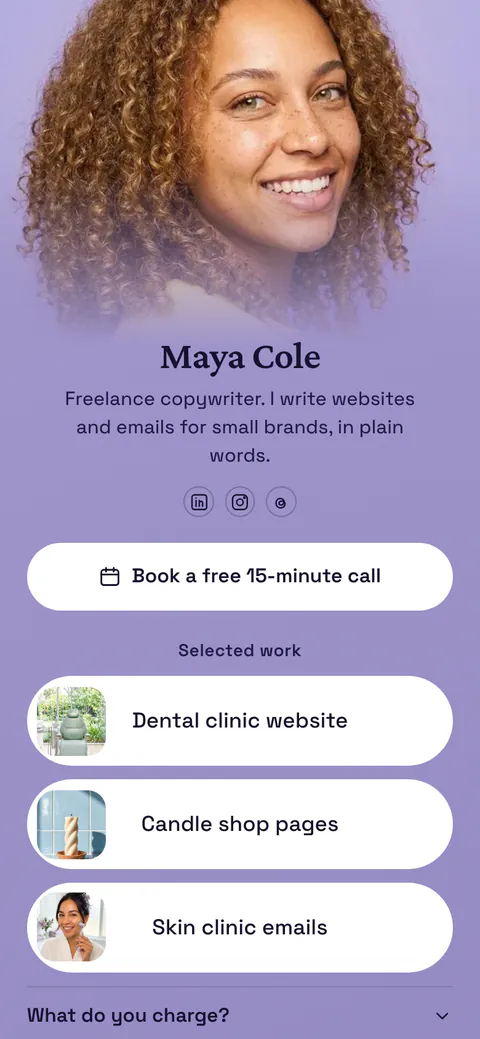
Start your page with this template
Type the name you want after more.you/ and create your account. Then change the words and photos to yours.
 more.you/yourname
Before you go
Put everything you share behind one link
More.You is a free link in bio page. No card needed.
- Start from a template made for your work
- Add links, products, bookings and events
- See how many people tap each link