Join this week and get Pro free for 6 monthsLiked the free tool? Get your own page with Pro freeMoving to More.You? Get Pro free for 6 monthsPick a template and get Pro free for 6 monthsTry every Pro feature free for 6 monthsPut it into practice with Pro free for 6 months
Get Pro freeSign upTemplatesSee all templatesPricing



Product
Page blocksLinks, products, bookings, events and opening hoursThemes and fonts15 colour themes, 31 fonts, buttons and backgroundsClick analyticsPage views, clicks on each link, countries and devicesLinktree importPaste your Linktree address and pick the links to bringResources
TemplateCopper bob
Link in bio template for hair stylists
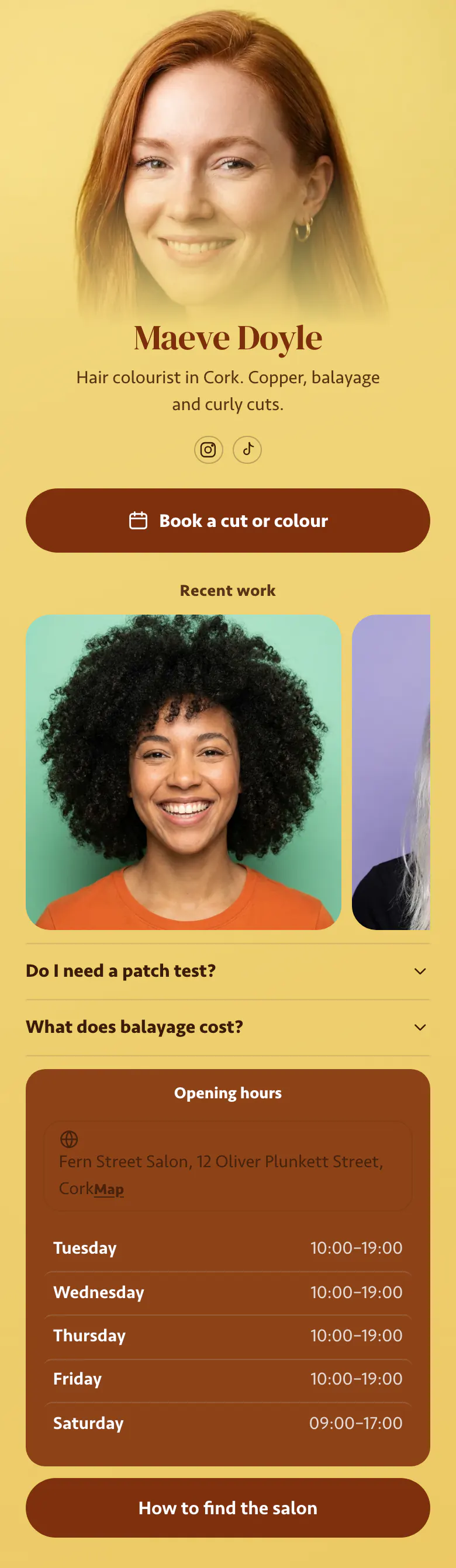
Followers already know Maeve's colour work from Instagram, so her page asks for the booking first. 'Book a cut or colour' sits above three recent results. Under them, the patch test and balayage price answers replace two messages she would otherwise type again and again.
What clients expect from a stylist's link
The essentials of a hair stylist's link in bio are a booking button, recent work in photos, answers about patch tests and prices, the salon's hours and address, and directions. A new client decides from the photos, and the two answers remove the last reasons to wait before a colour appointment.
What is on this page
- Name and bioMaeve DoyleHair colourist in Cork. Copper, balayage and curly cuts.
- Social iconsInstagram, TikTok
- BookingBook a cut or colour
One button for both services, cut or colour. It leads to the booking page you or the salon already use.
- Section titleRecent work
Recent work is a promise to the visitor. Replace the photos under the heading when you have new results.
- Gallery3 pictures
Show the work you want more of, such as curly cuts or copper. Three recent results sit in a row here.
- FAQDo I need a patch test?2 questions
A colourist answers the patch test and balayage price messages most days. Here both sit on the page, and a tap opens each one.
- Opening hoursTuesday to SaturdayFern Street Salon, 12 Oliver Plunkett Street, Cork
The days Maeve works at Fern Street Salon, with the street address and today's row marked. Change it when your days change.
- LinkHow to find the salon
A last button for first visits, 'How to find the salon', which can open directions, a video of the entrance or a parking note.
Who it is for
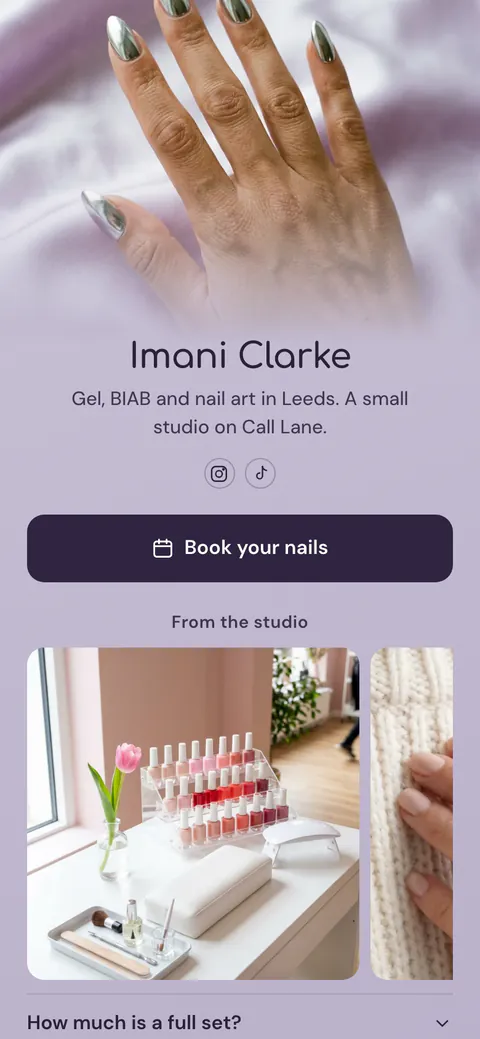
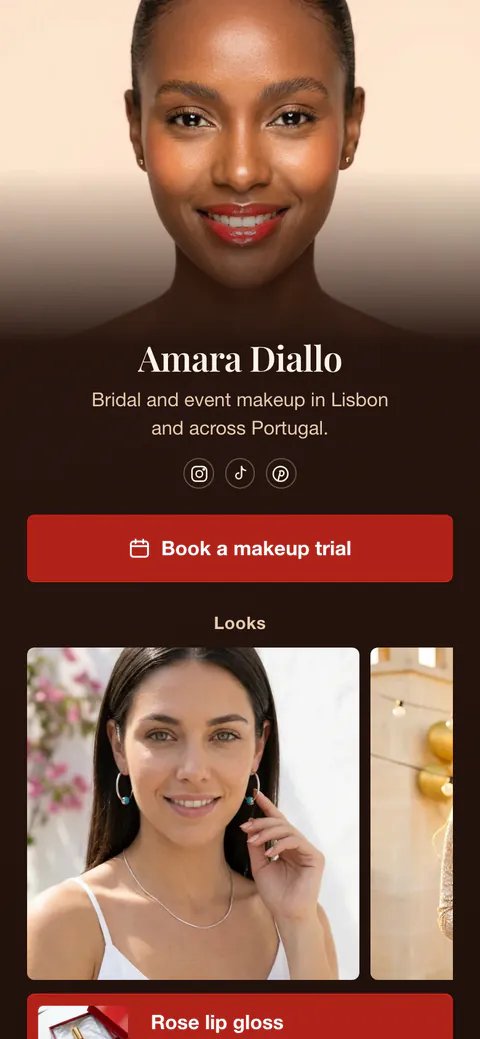
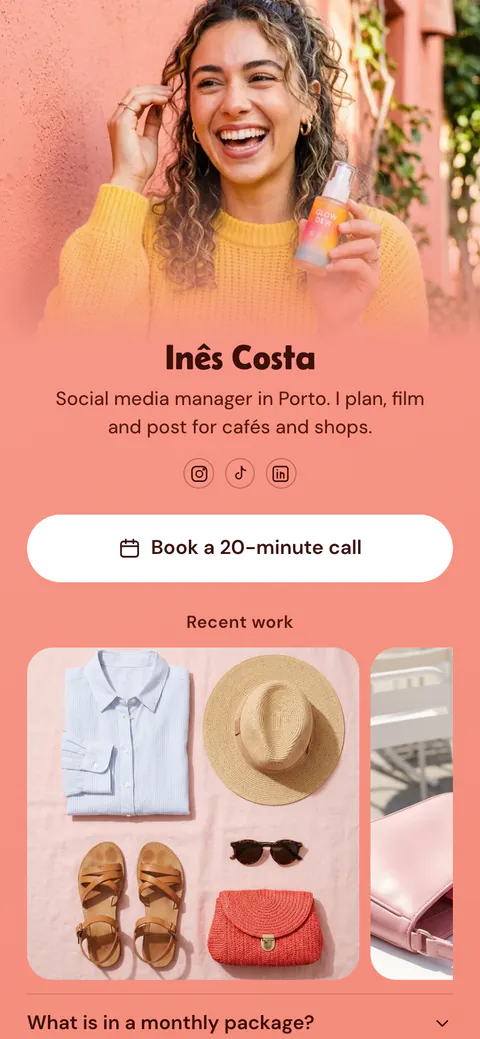
One person, one booking link. The page is for a stylist or colourist who works under their own name, in a rented chair or inside a salon. Clients arrive from Instagram and TikTok. Shop owners whose page must cover a whole team should use the template for salons and barbershops, which adds a price list and shelf products.
How to make it yours
Write your name and city
Find this template in the template gallery, then replace Maeve Doyle with your name and Cork with your city. Name the three services you want to be booked for, as she does with copper, balayage and curly cuts.
Show work, answer questions
Add three recent photos and put your booking link behind the first button. Rewrite the patch test and price answers with your own rules, then enter the days you work.
Mention it in your videos
Publish, then put the address where clients already watch you: your Instagram and TikTok profiles. Mention it at the end of every transformation video.
- After every strong colour result, put the new photo in the gallery. A photo from this month tells a new client more than one from last year.
- For the price question, give a starting price and what changes it, such as length and thickness. Clients accept a range when they see the reason.
- If you move salon or change your days, edit the hours and the directions button on the same day. Regulars check the link before they travel.
Questions
What should a hair stylist put in their link in bio?
Give hair clients a way to book before anything else. Then show a few recent photos of the work you want more of. Answer the two questions that stop people from booking a colour, the patch test and the price. Add your days, the salon address and a button with directions for first visits.
Do I need to mention the patch test in my bio link?
Yes, if you offer colour, say when a patch test is needed and how to get one. New colour clients often book first and learn about the test later, which costs both of you an appointment. Maeve's page answers it in an FAQ block that sits directly under the photos.
How do I answer 'What does balayage cost?' in my bio link?
State a starting price and say what moves it. Colour depends on length, thickness and history, so one fixed number misleads. Maeve's page uses that exact question in its FAQ block, with a short answer the client opens with a tap. Send the full quote after a consultation.
Can I change the yellow background and the round buttons?
Yes, both are design choices. Maeve's page is yellow with copper buttons, the colour of her hair. You set your own colours for the background, the buttons and the text. Button corners go from square to round, and the font comes from a list of 31. A stylist's page is free to create and publish.

Start your page with this template
Type the name you want after more.you/ and create your account. Then change the words and photos to yours.
 more.you/yourname
Before you go
Put everything you share behind one link
More.You is a free link in bio page. No card needed.
- Start from a template made for your work
- Add links, products, bookings and events
- See how many people tap each link