Join this week and get Pro free for 6 monthsLiked the free tool? Get your own page with Pro freeMoving to More.You? Get Pro free for 6 monthsPick a template and get Pro free for 6 monthsTry every Pro feature free for 6 monthsPut it into practice with Pro free for 6 months
Get Pro freeSign upTemplatesSee all templatesPricing



Product
Page blocksLinks, products, bookings, events and opening hoursThemes and fonts15 colour themes, 31 fonts, buttons and backgroundsClick analyticsPage views, clicks on each link, countries and devicesLinktree importPaste your Linktree address and pick the links to bringResources
Free tool
Link cleaner
Short, clean links with no tracking codes, for your bio, a chat or an email.
Try
Clean link
0Codes removed
0Characters shorter
This link has no tracking codes. It is already clean.
What was in the link
Clean links
0Links
0Codes removed
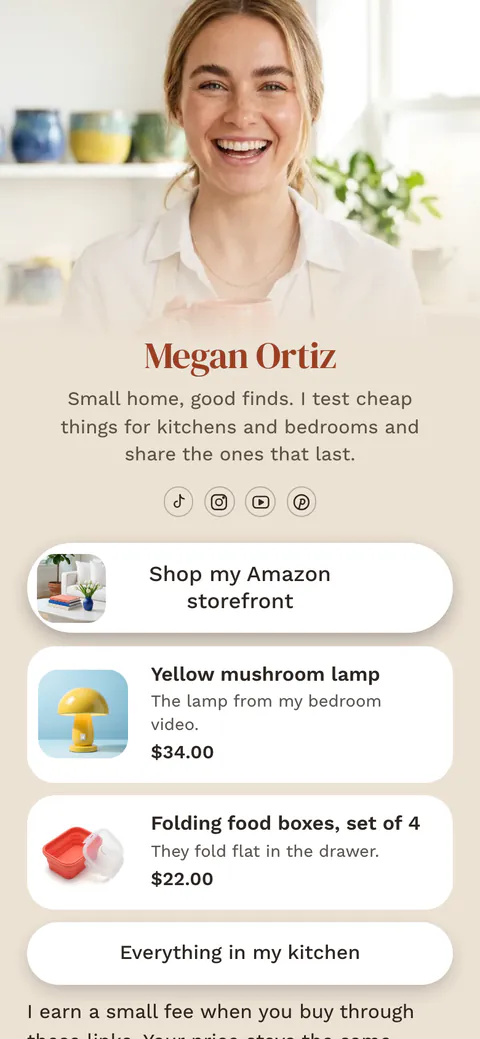
One clean address for all your links: put them on a More.You page and share more.you/yourname.
Create your pageWhat a link cleaner does
A link cleaner removes tracking codes from a web address. These are the parts after the question mark that tell an app or an analytics tool who shared the link and where it was tapped, such as fbclid, gclid, igsh or utm_source. The page opens the same without them, and the link is shorter and easier to read.
Nobody types these codes. Meta adds fbclid to links opened from Facebook and Instagram. Google and other ad networks add a click ID to every ad click. Newsletter tools add a code for each email, and share buttons add their own code. When you copy and pass on such a link, the codes travel with it.
Some parts after the question mark are not tracking. They choose a product colour, a page number or a video start time. The tool removes only codes it knows, keeps the rest, and lets you change each decision. It runs in your browser and never visits the link.
How to clean a link
Paste one link or many
Paste a link, or a list with one link on each line. The clean version appears as you type.
Read what was in it
Each code shows who added it and why. Codes the tool does not know stay in the link.
Keep what the page needs
Press Keep on a code to put it back, or Remove on an unknown code to take it out.
Copy and test
Copy the clean link and open it once. It should show the same page as the original.
Tracking codes the tool removes
The most common codes, who adds them and what they record, from each company's own documentation.
| Code | Who adds it | What it records |
|---|---|---|
| utm_source, utm_medium, utm_campaign | The person or tool that made the link | Where the visit came from, for Google Analytics and other tools |
| fbclid | Meta (Facebook and Instagram) | A click on an ad, so Meta can count the conversion |
| gclid, gbraid, wbraid | Google Ads | A click on an ad, for conversion tracking |
| msclkid | Microsoft Advertising | A click on a Bing ad |
| ttclid | TikTok | A click on a TikTok ad |
| mc_cid, mc_eid | Mailchimp | The email campaign, and the email address of the reader |
| _hsenc, _hsmi | HubSpot | The reader and the click in a marketing email |
| igsh, si | Instagram, YouTube and Spotify share buttons | Not published by the apps |
Sources: Google Ads, auto-tagging, Meta, click ID, Microsoft Advertising, MSCLKID, TikTok, click ID, Mailchimp, e-commerce tracking, HubSpot, email parameters, Google Analytics, URL builders. Checked 17 November 2026.
On your More.You page
One clean link for everything you share
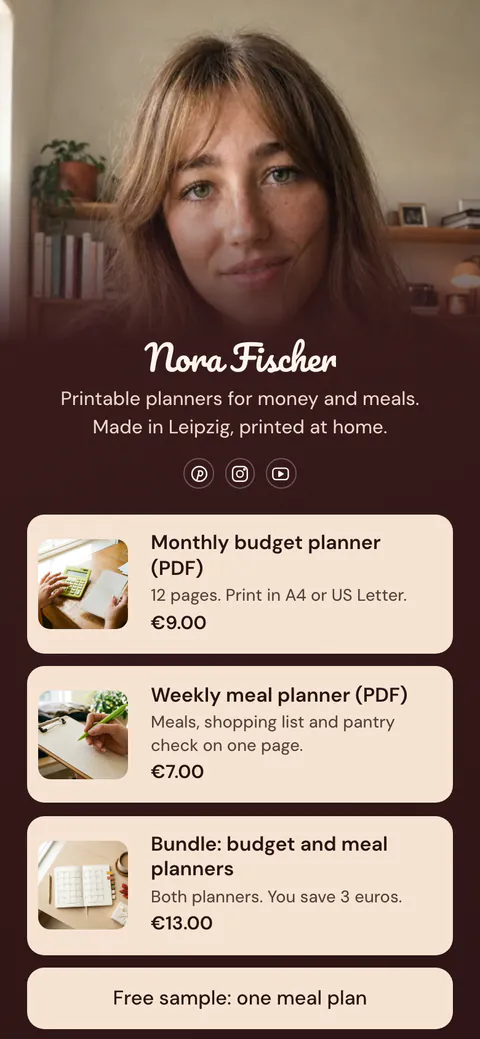
Claim your free page, add your links and share more.you/yourname in your bio, your email signature and your chats.
Link cleaner questions
What does fbclid mean in a link?
fbclid is a click ID from Meta. It appears on links opened from Facebook and Instagram, and Meta's documentation describes it as the ID that connects a visit with an ad click. The page opens the same without it. When you copy such a link and share it again, the code goes with it, so many people remove it first.
Is it safe to remove tracking codes from a link?
Yes, for the codes this tool removes. They record clicks and do not change the page. Other parts after the question mark can change the page, such as a size, a colour or a page number, so the tool keeps every code it does not know. Open the clean link once to check it shows the same page.
Should I remove UTM tags from a link?
Remove them when you share someone else's link, because the tags describe where they shared it, not where you did. Keep them on your own links when you want your analytics to show where visits come from. To tag your own links, use the UTM builder and give each place its own source and medium.
Can it clean many links at once?
Yes. Paste a list with one link on each line, up to 500 lines. Each link is cleaned with the same rules, lines that are not links are marked, and you can copy every clean link at once. Nothing is sent to a server, so a long list is cleaned in your browser in a moment.
Can it clean bit.ly, t.co and other short links?
Not on their own. A short link hides the real address on the service's server, and you see it only by opening the link. This tool never visits links. Open the short link in your browser, copy the full address from the address bar, and paste that address here to clean it.
What is a redirect link?
Some apps send a link through their own address first, to count the click. Links copied from Google results, Facebook, Instagram, Threads and Outlook often look like that. When the real address sits inside the redirect link, the tool takes it out and cleans it. You can turn this off under the text box.
Does cleaning a link remove affiliate codes?
No, not by default. An affiliate code, such as the tag on an Amazon link, pays the person who shared the link. The tool marks it and keeps it. Press Remove on that row if you want it gone. Shop tracking codes that only count searches and clicks are removed.
 more.you/yourname
Before you go
Put everything you share behind one link
More.You is a free link in bio page. No card needed.
- Start from a template made for your work
- Add links, products, bookings and events
- See how many people tap each link