Join this week and get Pro free for 6 monthsLiked the free tool? Get your own page with Pro freeMoving to More.You? Get Pro free for 6 monthsPick a template and get Pro free for 6 monthsTry every Pro feature free for 6 monthsPut it into practice with Pro free for 6 months
Get Pro freeSign upTemplatesSee all templatesPricing



Product
Page blocksLinks, products, bookings, events and opening hoursThemes and fonts15 colour themes, 31 fonts, buttons and backgroundsClick analyticsPage views, clicks on each link, countries and devicesLinktree importPaste your Linktree address and pick the links to bringResources
Free tool
Free Instagram highlight cover maker
A matching row of highlight covers in your own colours.
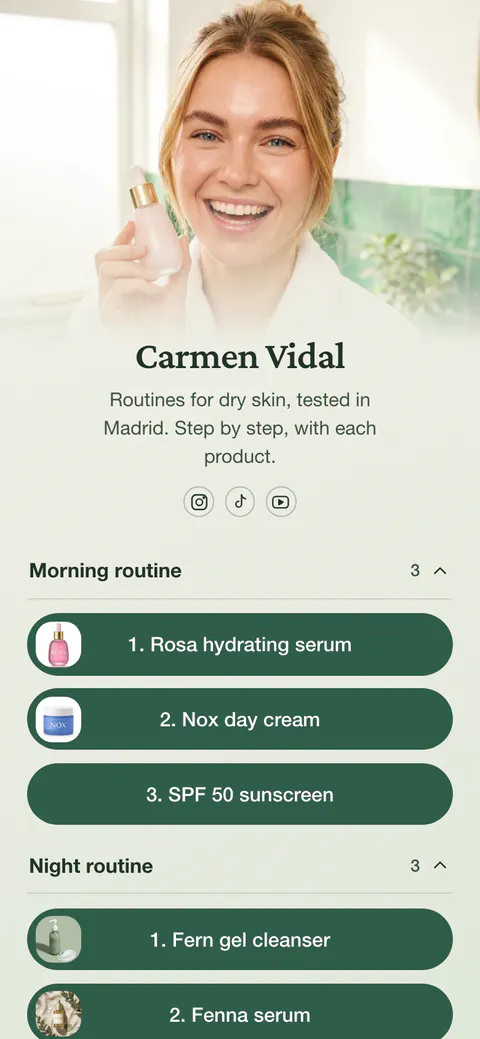
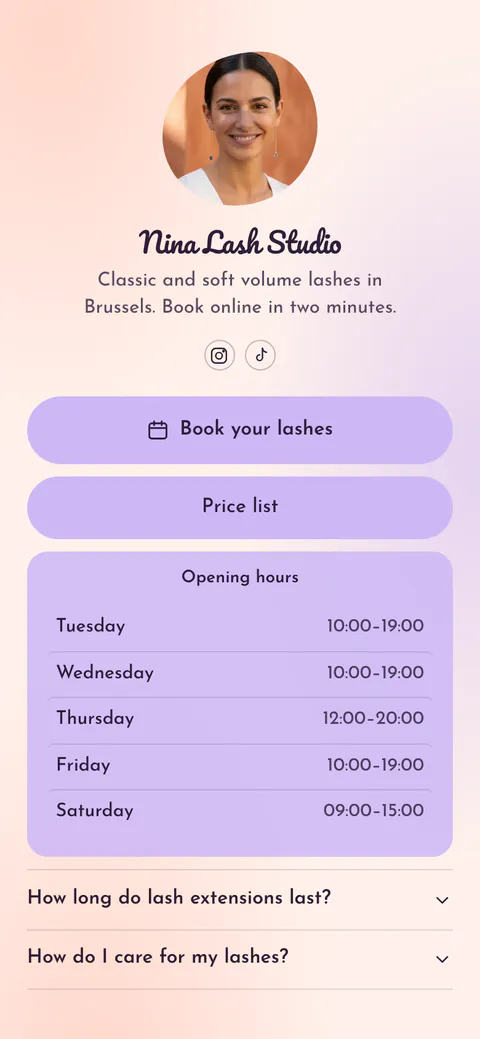
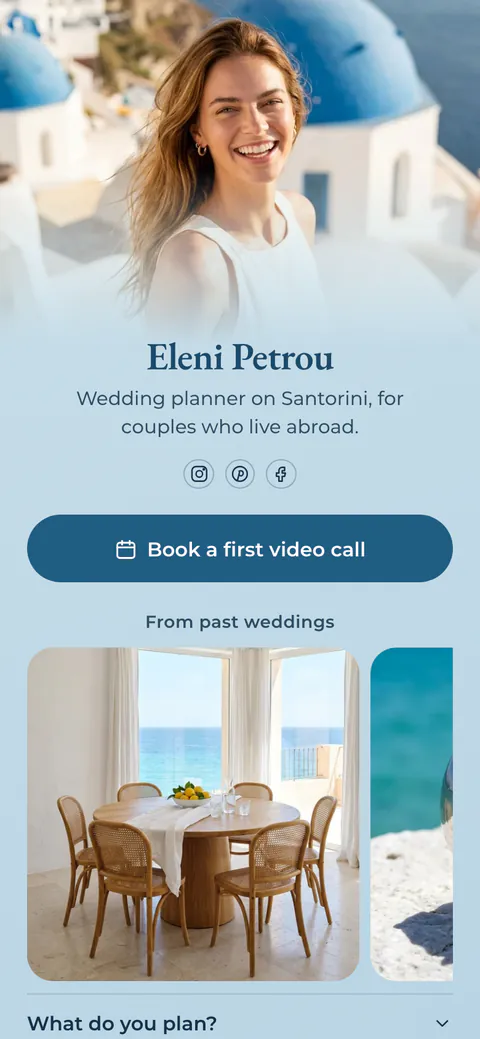
- Shop
- Prices
- Reviews
- Q&A
- About me
Your highlights
You can make up to 12 covers in one set.
Colours
The icon is hard to see on this background. Pick a darker or lighter colour.
Background style
Icon size
Line
Preview on your profile
Image size
1080 × 1920 PNG
The covers are drawn on your device. Nothing is uploaded.
Use the same colours on your link in bio page. On More.You you can set your own background, button and text colours by hex code.
Create your pageWhat an Instagram highlight cover is
A highlight cover is the small round picture above each story highlight on your Instagram profile. Highlights sit between your bio and your posts, so people see them before your grid. Covers with one style and one set of colours make a profile easy to read: people find your shop, your reviews or your prices at a glance.
This tool draws each cover on a coloured background with an icon or a few letters in the centre. Instagram crops a highlight cover to a circle, so the icon stays inside the middle of the image. You can download covers in story size, 1080 x 1920, or as squares, 1080 x 1080.
Everything runs in your browser. The covers are drawn on your device, nothing is uploaded, and your set is saved in this browser so you can come back and add a highlight later.
How to make highlight covers
Name your highlights
Start from the five examples or add your own, up to 12. The names show under each circle in the preview.
Pick an icon for each one
Choose from 62 line icons, or type up to three letters or one emoji instead.
Choose your colours
Pick a ready set or type your own hex codes. One set of colours keeps the whole row together.
Download and add them
Download every cover in one ZIP file, or one at a time. Then open the highlight on Instagram, tap More, Edit highlight and Edit cover, and choose the new cover from your photos.
How to change a highlight cover on Instagram
Instagram takes the cover from the photos on your phone, so save the covers there first.
| Step | What to do |
|---|---|
| 1 | Download your covers from this tool and save them to your phone's photos. |
| 2 | Open your profile and tap the highlight. Tap More in the bottom right, then tap Edit highlight. |
| 3 | Tap Edit cover, choose the cover from your photos and place it in the circle. |
| 4 | For a new highlight, tap Edit cover before you tap Add. |
Sources: Instagram Help Center, highlights, Meta, story sizes. Checked 17 November 2026.
On your More.You page
Bring the same look to your link in bio
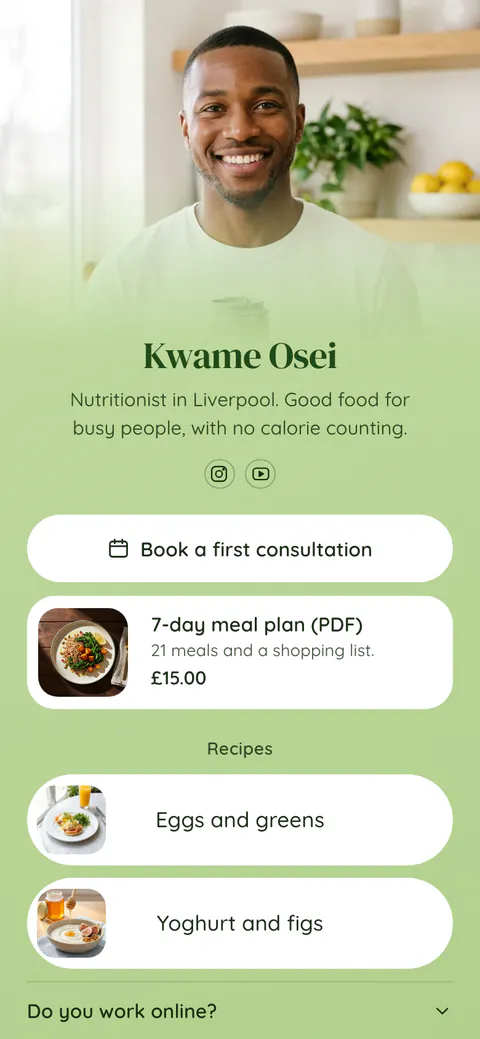
Claim your free page and match it to your highlights. Pick a colour theme or set your own background, button and text colours by hex code.
Highlight cover questions
What size should an Instagram highlight cover be?
Use a story size image, 1080 x 1920 pixels, or a square image, 1080 x 1080. Instagram crops the cover to a circle, so keep the icon or the letters in the centre. This tool fills the whole image with your background colour, so the circle looks right wherever you move it.
How do I change a highlight cover on Instagram?
Save the covers to your phone first. Open your profile and tap the highlight. Tap More in the bottom right, then Edit highlight, then Edit cover. Choose the cover from your photos and place it in the circle. When you make a new highlight, you can tap Edit cover before you tap Add.
Can I add a highlight cover without posting it as a story?
Yes. The cover comes from the photos on your phone, so you do not need to post it as a story first. The highlight itself still needs at least one story inside it, because Instagram makes highlights from stories you have already shared.
Why does my highlight cover look blurry?
The image was probably small or saved with strong compression. This tool saves every cover as a PNG at 1080 pixels wide, which is sharp on any phone. If a cover still looks soft, check that your phone did not save a smaller copy when you downloaded it.
Can I use letters or emoji instead of icons?
Yes. Choose Text in the icon list and type up to three letters or one emoji. Short text such as FAQ, NEW or a single emoji reads best at the size Instagram shows highlights. Emoji are drawn with your phone's or computer's own emoji style.
How many highlights should my profile have?
On most phones the first four or five highlights show without scrolling the row, so put the ones that answer the most questions first: what you sell, your prices, reviews and how to contact you. This tool makes up to 12 covers in one set, all in the same style.
Can I use the icons for anything else?
Yes. The covers you download are yours to use on Instagram or anywhere else. The icons come from Lucide, an open icon set with a free license, so you can also use them in posts, on a website or on printed cards.
Is this highlight cover maker free, and are my covers saved?
The tool is free, with no account and no watermark. The covers are drawn in your browser and nothing is uploaded. Your names, icons and colours are saved in this browser only, so the set is still here when you come back. Press Start again to clear it.
 more.you/yourname
Before you go
Put everything you share behind one link
More.You is a free link in bio page. No card needed.
- Start from a template made for your work
- Add links, products, bookings and events
- See how many people tap each link